

A sitemap is a structured list of URLs that represents a website’s page community and, in some cases, provides metadata such as last-modified dates and update frequency. Search engines like Google read sitemaps to better understand which pages are necessary, how they connect, and how frequently they change.
There are two main families of sitemaps: XML sitemaps, which are primarily for search engines, and HTML sitemaps, which are designed for human visitors. For many sites, using both offers the best combination of crawlability and user navigation.
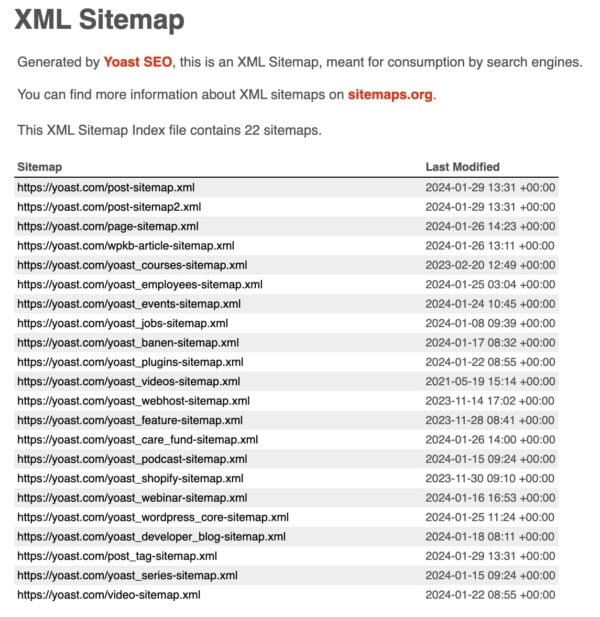
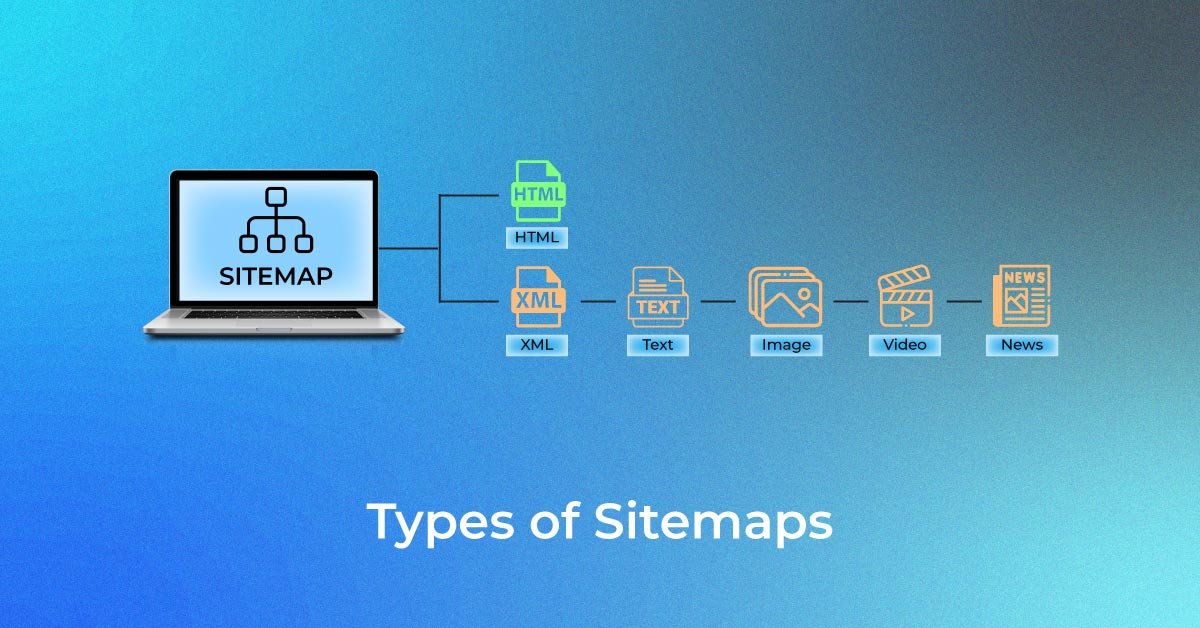
XML Sitemap Types
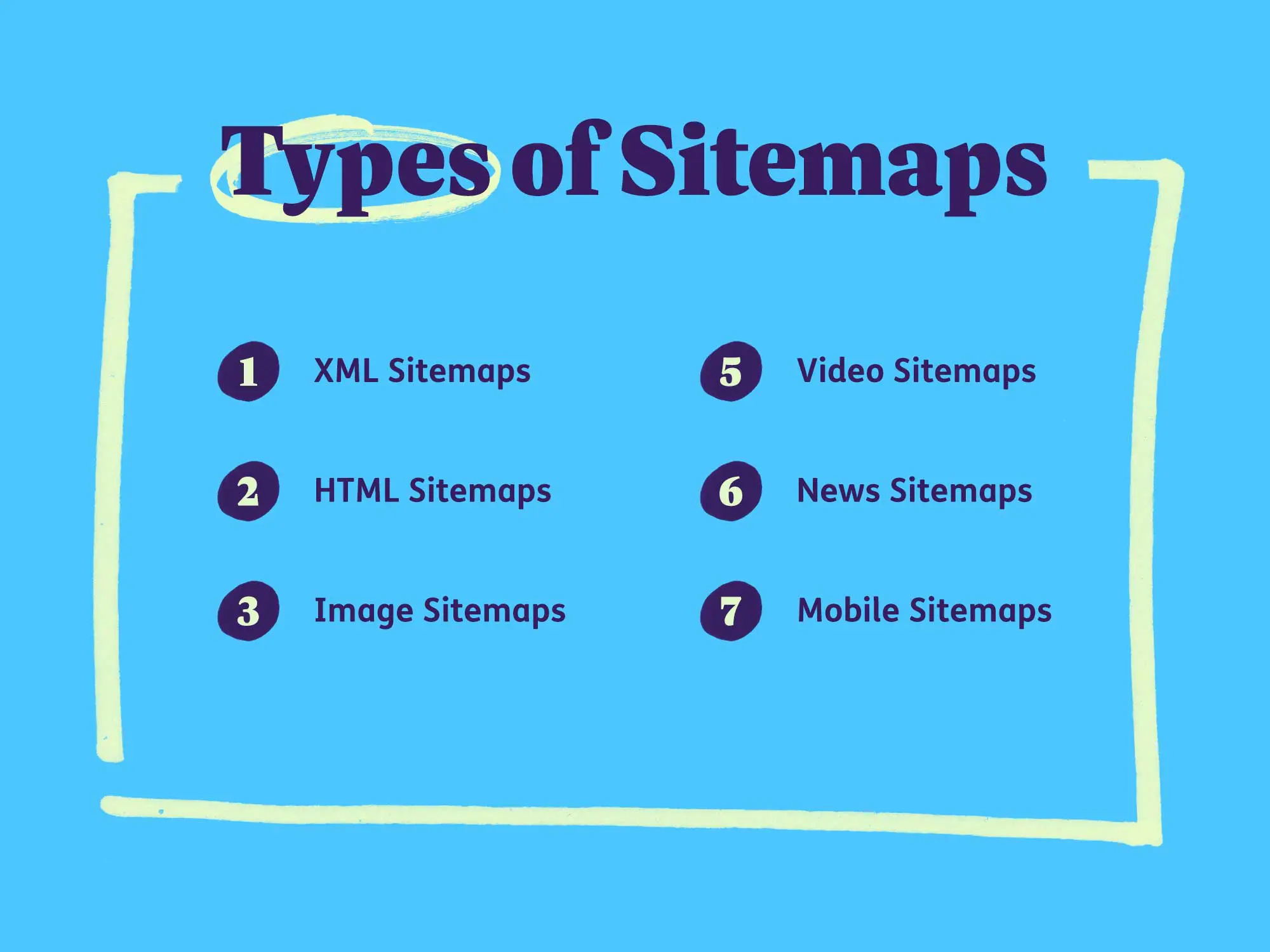
Normal XML Sitemap
A standard XML sitemap is a machine-readable file (usually sitemap.xml) that lists canonical URLs you want search engines to index. It can include metadata like priority, change frequency, and last modified date, though modern search engines mainly rely on the URL list and lastmod field.
Video Sitemap
A video sitemap is an XML file or extension that emphasizes pages holding videos and includes details like title, description, thumbnail, and video URL. This additional metadata increases the likelihood that your videos will appear in rich results and specialized video searches.
News Sitemap
A news sitemap focuses on current news articles from authorized publishers and includes information such as publication date and keywords. It helps Google News and other news-focused services quickly discover and surface fresh stories.
Image Sitemap
An image sitemap lists image resources associated with pages (or uses image tags inside a URL entry) to help search engines index visual content. This is especially useful for image-heavy sites like e‑commerce, portfolios, or media libraries, where image search traffic is valuable.
Why Are Sitemaps Important?
Sitemaps guide search engine crawlers to important URLs, improving coverage and reducing the risk of pages being missed—especially on large, complex, or newly launched websites. They are particularly helpful when internal linking is imperfect, content is generated dynamically, or pages are hard to discover through normal crawling.
IT also support faster recognition of newly published or updated content, which can lead to quicker indexation and more stable visibility in search results, on the other hand, provide users with a high-level navigation view that can enhance usability and engagement.
Best Practices for Sitemaps
Key sitemap best practices include listing only canonical, indexable URLs, ensuring that all links return 200 (OK) status codes, and keeping each XML sitemap under 50,000 URLs and 50MB uncompressed. This should be updated automatically, referenced in robots.txt, and submitted to Google Search Console for monitoring.
Avoid including duplicate, redirected, non-canonical, or error pages, which waste crawl budget and can confuse search engines. Use simple UTF‑8 encoding, follow the XML protocol strictly, and ensure the file is accessible without authentication.
How to Create a Sitemap

Most modern CMS platforms and SEO plugins can auto-generate XML sitemaps, such as WordPress plugins (e.g., Rank Math, Yoast) that generate sitemap_index.xml and child sitemaps. For custom setups, a developer can script sitemap generation from your database or use server-side tools that output XML in the correct format.
When building manually or via tools, ensure that only canonical, indexable URLs are included, and structure sitemaps by content type (e.g., posts, pages, products) if possible. Regenerate or update the sitemap whenever significant changes occur, such as bulk URL additions, deletions, or migrations.
Submit Your Sitemap to Google
To submit an XML sitemap, log into Google Search Console, choose your property, open the Sitemaps section, and enter the sitemap path (for example, sitemap.xml or sitemap_index.xml). After submitting, Google will process the file and begin using it as a crawl hint for the URLs listed.
You can also declare it in robots.txt with a Sitemap: directive so that search engines discover it automatically. This dual approach (GSC + robots.txt) improves reliability and ensures that changes are recognized even if manual checks are infrequent.
Use the Sitemap Report to Spot Errors
In Google Search Console, the Sitemaps and Pages/Indexing reports show how many URLs from each sitemap are discovered, indexed, or excluded. These reports highlight issues such as invalid URLs, blocked pages, or malformed XML.
Regularly reviewing these reports helps identify technical errors early, such as soft 404s, server errors, or pages marked as “noindex” that still appear in your sitemap. Fixing these inconsistencies keeps your site trustworthy and maximizes its SEO benefit.
Use Your Sitemap to Find Indexing Problems
Discrepancies between the total URLs in your sitemap and the number indexed can reveal deeper crawl or content issues. For example, a large number of “Discovered, currently not indexed” or “Crawled, not indexed” URLs may indicate thin content, duplication, or quality concerns.
By analyzing which sitemap segments underperform (e.g., product vs. blog), you can prioritize content improvements, internal linking enhancements, or technical fixes. This makes the sitemap an ongoing diagnostic tool, not just a one-time technical requirement.
Match Your Sitemaps and Robots.txt
Your sitemap should list URLs that are not blocked by robots.txt and are allowed to be crawled. If robots.txt disallows a path that still appears in the sitemap, search engines receive mixed signals, which can reduce crawl efficiency.
Keep robots.txt rules and sitemap contents aligned whenever you add, remove, or move sections of the site. When you intentionally block an area, remove those URLs from the sitemap at the same time.
Sitemap Pro Tips
Huge Site? Break Into Smaller Sitemaps
For large websites, break URLs into multiple sitemaps grouped by type, language, or section, then reference them with a sitemap index file. This keeps each file within the 50,000 URL and 50MB limit while making debugging easier.
Be Careful With Dates
The lastmod field should reflect actual, meaningful content updates, not trivial changes or automated timestamp bumps. Misusing dates can make your sitemap less reliable as a freshness signal.
Don’t Sweat Video Sitemaps
For sites with only occasional or embedded third‑party videos, a dedicated video sitemap may not be necessary; structured data and good on-page context often suffice. Reserve video sitemaps for video-heavy sites where rich video visibility is a core strategy.
Stay Under 50MB
Each uncompressed sitemap must be 50MB or smaller and contain no more than 50,000 URLs, or it will be rejected. Use gzip compression and sitemap indexes if you are approaching that limit.
HTML Sitemaps
This is a human-readable page listing key sections and pages of the site, often organized hierarchically. It supports users who prefer a full overview of site content and can serve as a backup navigation layer.
When creating an HTML sitemap, include important category-level and key content pages, not every possible URL, so the page remains usable and fast. Use headings, groupings, and short descriptions to make it easy for visitors to scan and click deeper into the site.
Tips for Optimizing Sitemaps
Using XML sitemaps to reflect internal linking structures helps ensure that your most important URLs are clearly highlighted for search engines. For multi-domain or multi-language setups, you can use sitemap entries and hreflang annotations to describe relationships between alternate versions.
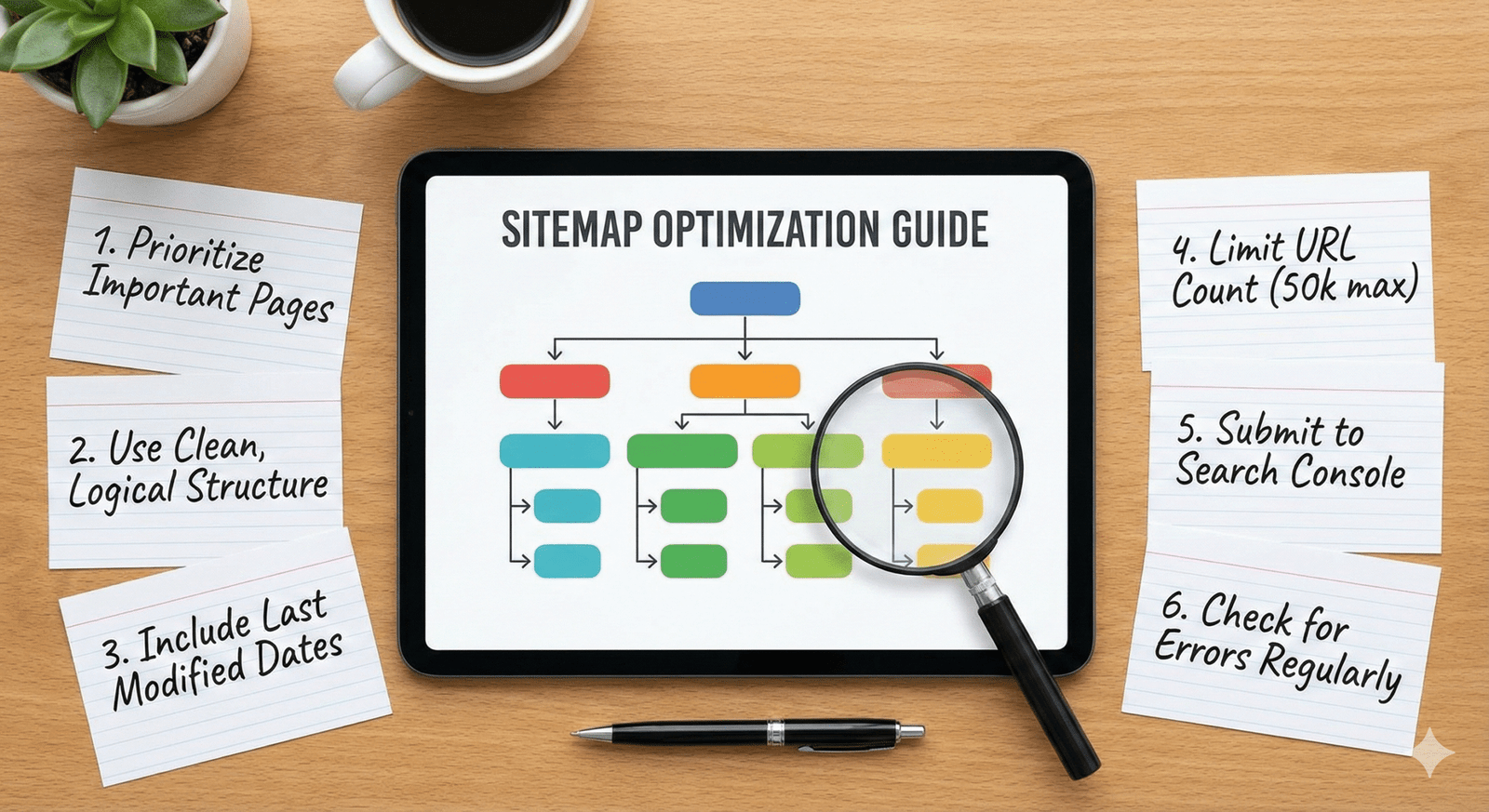
Keeping the root directory tidy (for example, placing sitemap.xml or sitemap_index.xml in the root) makes discovery easier and reflects good technical hygiene. Ensure that any “sitemaps overview” page or HTML sitemap links only to URLs you actually want indexed.
Include all indexable, canonical web pages you care about in your XML sitemaps, but avoid overstuffing HTML sitemaps with thousands of low-value URLs. This balance helps both users and bots without overwhelming either.
Tools to Easily Create Sitemaps
Popular SEO plugins and platforms (such as Yoast SEO, Rank Math, and other CMS integrations) can automatically generate and update XML sitemaps without manual editing. Many will also provide separate sitemaps for posts, pages, products, categories, and media.
For non-CMS sites, online generators and command-line tools can crawl your domain and output properly formatted XML sitemaps, which you can host on your server. Once generated, always validate them with Google Search Console or XML validators before submission.
10 Things to Exclude from Sitemaps
- Sources commonly recommend excluding:
- Non-canonical duplicates
- Redirected URLs
- 404/4xx error pages
- Soft 404s
- Parameter-only variants
- Staging or test URLs
- Login or admin pages
- Paginated duplicates
- Thin or intentionally noindexed content
- Blocked sections
Removing these improves crawl efficiency and prevents search engines from wasting resources on low-quality or inaccessible pages.
For very large catalogs (e.g., e‑commerce), it may also be wise to omit faceted combinations and keep the sitemap focused on core, indexable category and product URLs. Review sitemap contents regularly after major site changes to ensure exclusions remain correct.
Learn More
To go deeper, review Google’s official documentation on building and submitting sitemaps, including advanced use cases for images, videos, and news. Combining well-structured XML and HTML sitemaps with clean internal linking and a logical site architecture creates a strong foundation for scalable SEO growth.