
Page speed is how quickly a single page loads and becomes usable for a visitor, and it is a confirmed Google ranking factor that directly affects both SEO and user experience. Faster pages tend to keep users longer, reduce bounce rates, and improve conversions, which in turn supports better search performance.
What is page speed?
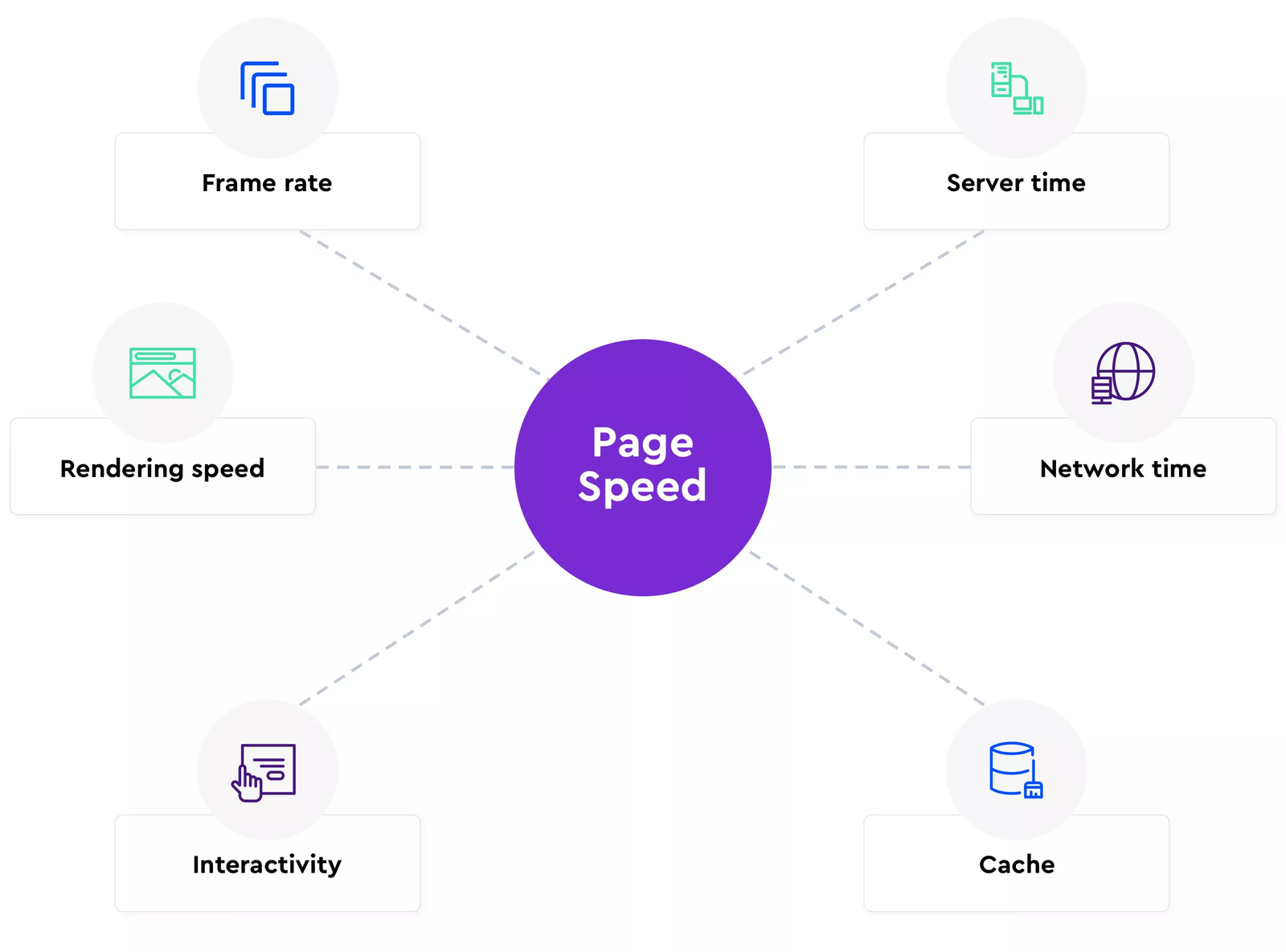
Page speed is the time it takes for a particular web page’s content to load and render in a user’s browser, usually measured in seconds. It is different from “site speed,” which is an average of several pages across the site, whereas page speed focuses on the performance of one specific URL.
Modern tools break page speed into multiple timing milestones instead of just one “load time” number, because users start interacting with content before everything is fully loaded. This is why metrics like Time to First Byte (TTFB), First Meaningful Paint, and Fully Loaded Page are commonly used.
Key speed metrics
- Fully Loaded Page: This is the point when the browser finishes loading all resources and network activity has essentially stopped for a while. Practically, it’s when background requests (images, scripts, tracking tags, fonts, ads) have completed and the page is fully rendered and idle.
- Time to First Byte (TTFB): TTFB measures how long it takes from the user’s request until the browser receives the first byte of data from your server. It reflects server performance, DNS, and network latency, and slow TTFB usually points to weak hosting, heavy backend processing, or lack of caching.
- First Meaningful / First Contentful Paint: These metrics capture when the first meaningful or visible content (like text, logo, hero image) appears on screen, giving the user a sense that the page is loading. They are closely related to Google’s Core Web Vitals, especially Largest Contentful Paint (LCP), which focuses on when the main content is visible.
Why page speed matters for SEO
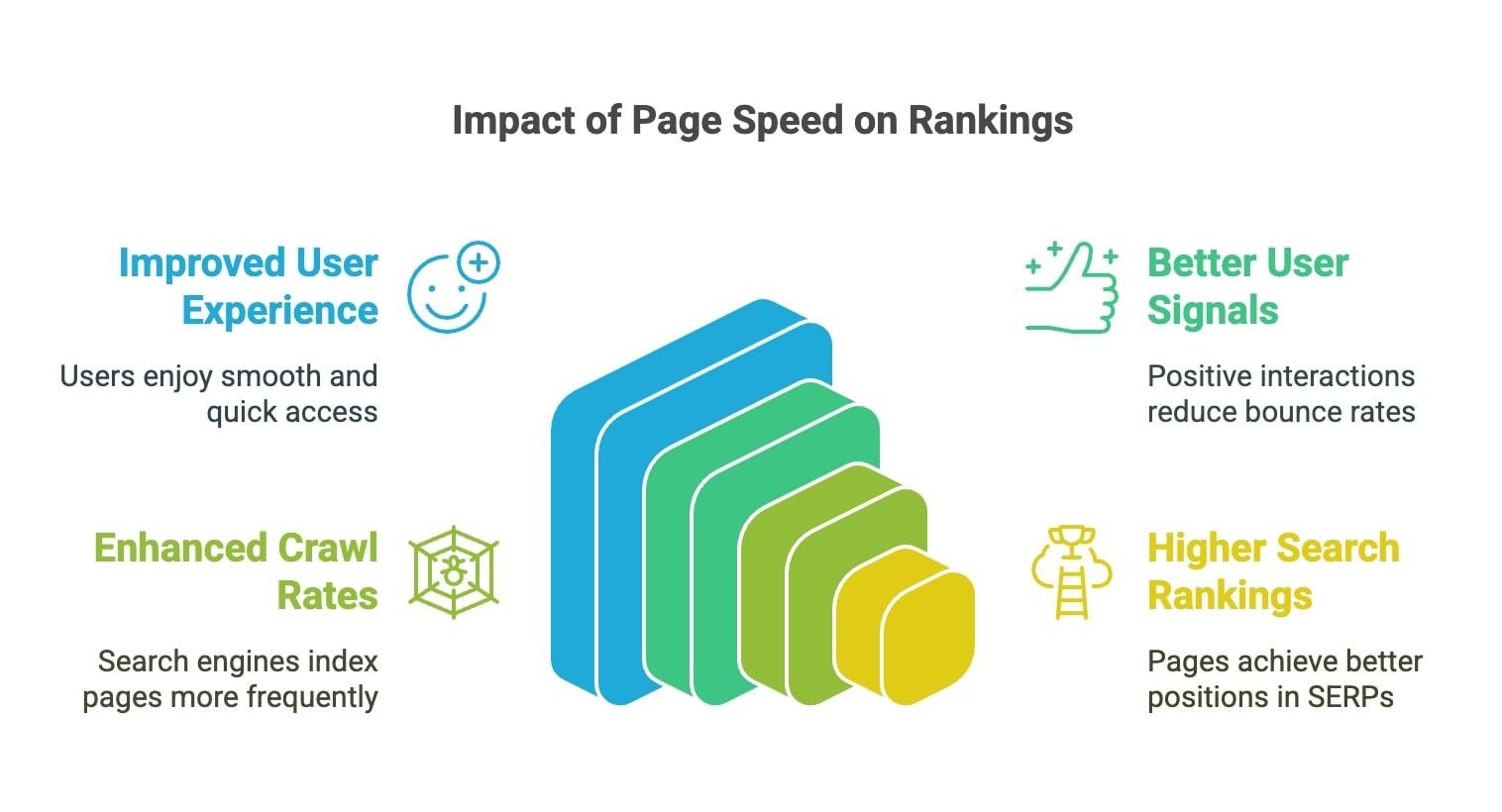
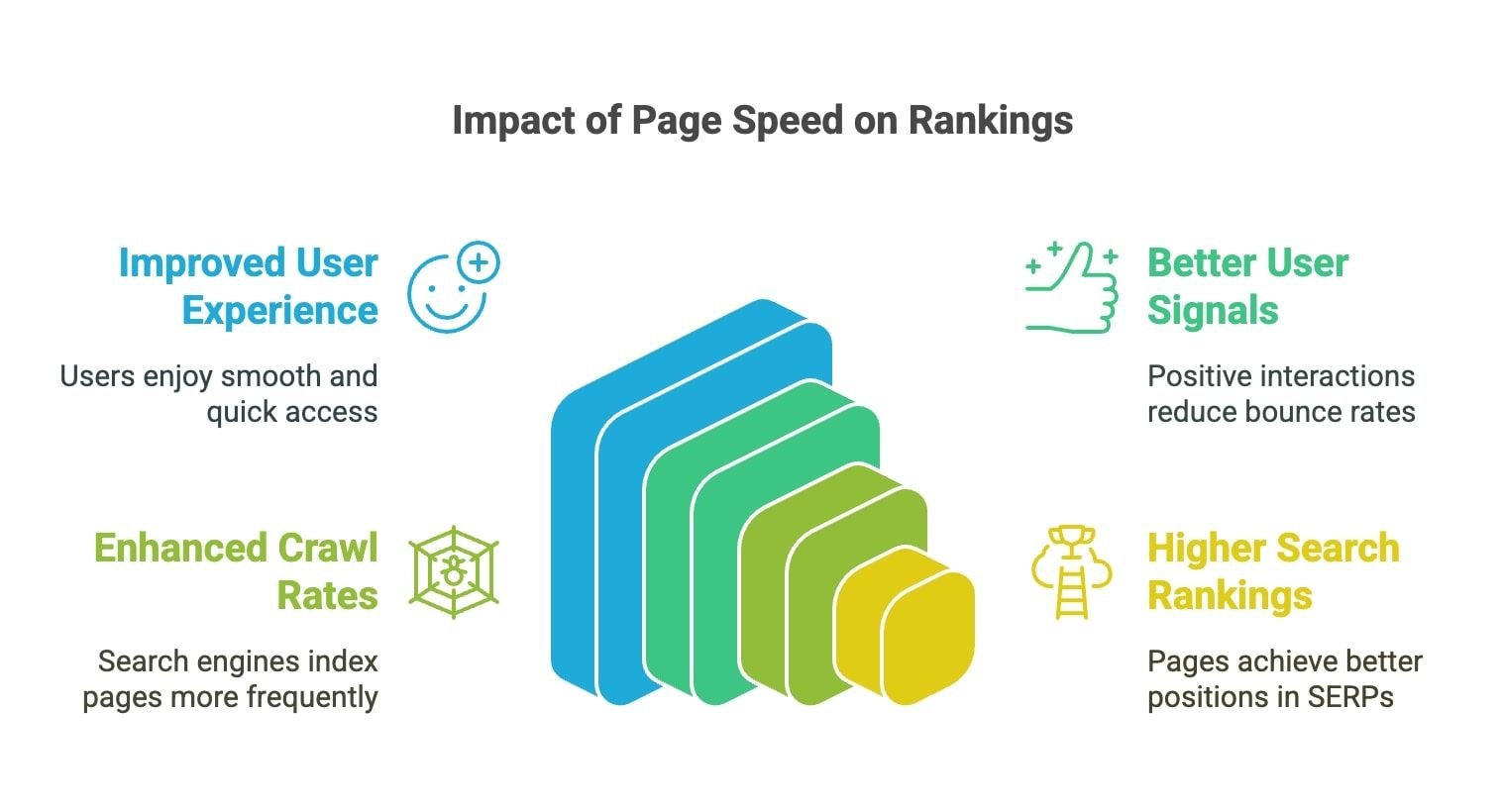
Google has confirmed that page speed is a ranking factor, particularly for mobile search, and it is part of the broader “page experience” signals used in ranking. While relevance and content quality still outweigh speed, when two pages are otherwise similar, the faster one often has an advantage.
Speed also affects SEO indirectly through user signals like bounce rate, time on site, and conversion behavior. Slow pages cause users to abandon sessions, especially if they wait more than a few seconds, which can hurt engagement metrics and reduce the likelihood of earning backlinks and repeat visits.
SEO impacts in simple terms
- Faster pages improve usability on both desktop and mobile, making it easier for visitors to find what they need.
- Better usability leads to higher engagement and conversions, which strengthens overall organic performance and revenue.
Best practices to improve page speed
Compress images
Images often make up the largest portion of a page’s weight, so optimizing them usually delivers the fastest wins. Use modern formats (like WebP or AVIF), resize images to the exact display dimensions, and apply lossy or smart compression to reduce file size while maintaining visible quality.

Clean and compress your code
Minify HTML, CSS, and JavaScript by removing comments, extra spaces, and unused code to shrink file sizes and speed downloads. Where possible, combine files, defer non-critical JavaScript, and use async loading so render-blocking resources don’t delay the first paint.
Refactoring bloated themes or removing unused plugins and libraries also cuts unnecessary requests and improves CPU usage in the browser.
Upgrade hosting
If TTFB is consistently slow, upgrading your hosting environment can deliver large performance gains. Look for SSD-based servers, current PHP/database versions, adequate CPU/RAM, and data centers closer to your main audience.
Managed or performance-oriented hosting (especially for platforms like WordPress) often includes built-in caching, HTTP/2 or HTTP/3, and optimized server configurations that further reduce latency.
Activate browser caching
Browser caching stores static resources (images, CSS, JavaScript) on the user’s device so repeat visits load those files from local storage instead of over the network. By setting appropriate cache-control and expiry headers, you can dramatically reduce load time for returning visitors and lower server load.
Page and object caching at the server level (e.g., via plugins or server modules) also helps by serving pre-generated HTML and speeding up database-heavy pages.
Implement a CDN
A Content Delivery Network (CDN) serves static files from servers located closer to the user, reducing geographic latency and improving load times globally. CDNs cache your assets at the edge, offloading traffic from your origin server and stabilizing performance during traffic spikes.
This is especially important for image-heavy or international sites, where users far from your main data center would otherwise see slower response times.
Test with multiple tools
Use several complementary tools because each highlights different issues and metrics. Popular options include:
- Google PageSpeed Insights and Lighthouse for lab and field data, Core Web Vitals, and prioritized recommendations.
- GTmetrix, WebPageTest, and similar tools for waterfalls, TTFB, Fully Loaded time, and filmstrips.
Testing from different locations, devices, and connection speeds provides a more realistic view of how your pages perform for real users.
Visual ideas for your blog
You can enhance the blog with simple, original visuals that you or a designer can create from scratch, such as:
- An infographic showing the timeline of TTFB → First Meaningful Paint → Fully Loaded Page with brief definitions.
- A side-by-side mockup of a “slow page vs fast page” with metrics like TTFB, FCP, and LCP under each.
- A schematic diagram of how a CDN works: user → nearest edge server → origin server.
- A screenshot-style mock layout of PageSpeed Insights (red vs green scores) recreated in a design tool, not copied from Google’s UI, to respect copyright.
Learn more
For deeper technical guidance, explore official documentation and established SEO resources that explain page speed, Core Web Vitals, and optimization techniques in more detail. These sources regularly update best practices as browser capabilities and search algorithms evolve, helping you keep your site fast and competitive in search results.