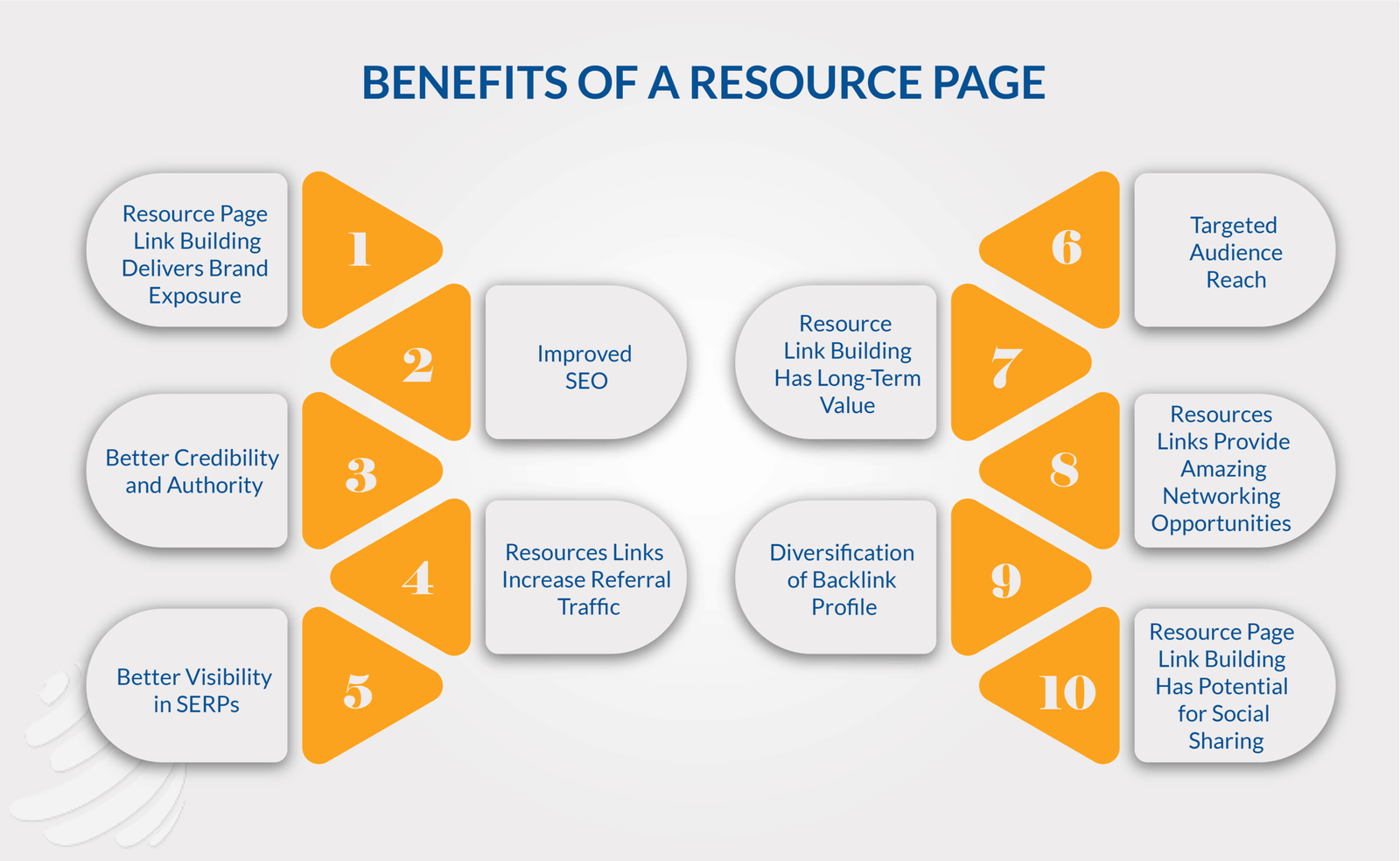
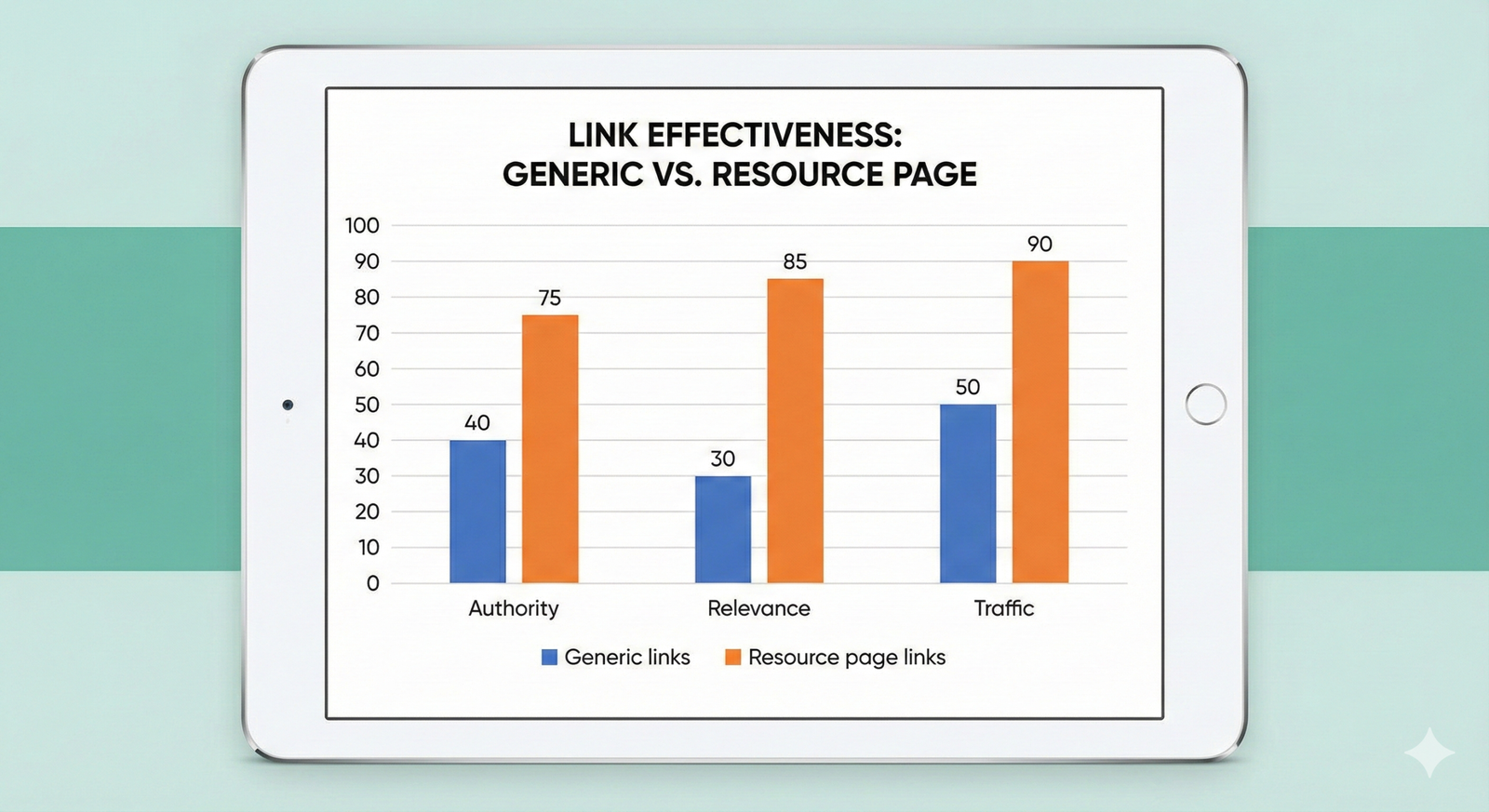
Resource page link building is a white‑hat strategy where you earn backlinks by getting your content listed on curated “best resources” pages in your niche. When executed well, it scales, brings qualified traffic, and strengthens topical authority without resorting to spammy tactics.
What is resource page link building?
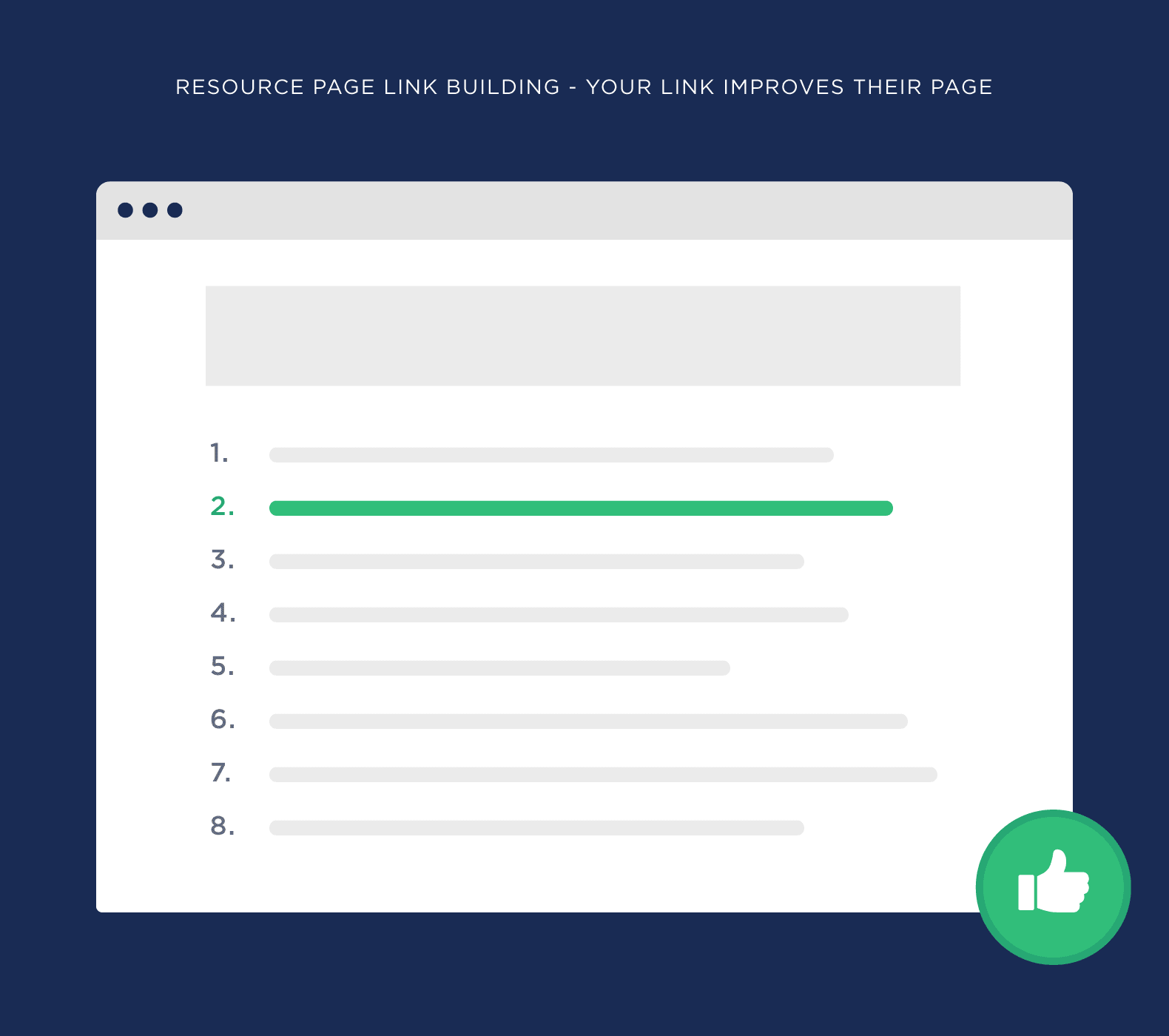
A Resource Page Link Building is a curated list of helpful tools, guides, and references on a specific topic, usually hosted by universities, blogs, nonprofits, or industry sites. Resource page link building means getting your content added as one of those recommended resources so you earn a contextual backlink.
These pages are often created to help users, students, or customers discover the best information available, which is why they link out generously to external sites. For SEOs and marketers, this represents a reliable way to build relevant, editorially placed links that Google tends to value.
Why does it work so well?
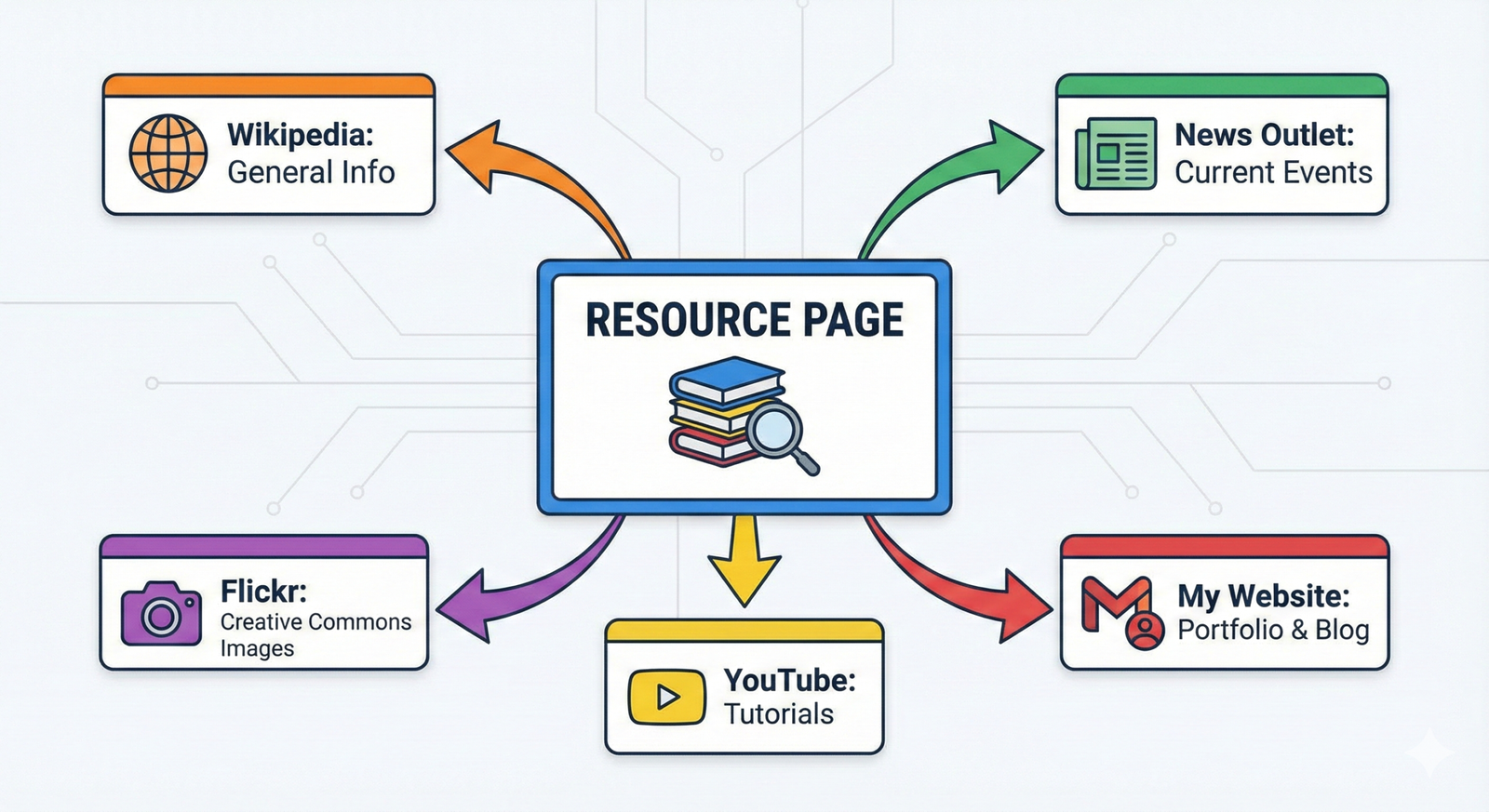
Resource Page Link Building are built on the idea of curating the “best of the web,” so if your content truly deserves a spot, it’s a natural fit rather than a forced link. Site owners are often actively looking for new, up‑to‑date resources to keep these pages fresh, which means they are more receptive to thoughtful outreach.
On the SEO side, these pages frequently sit on strong, aged domains (universities, government sites, established blogs) and attract links themselves, so a single placement can pass significant authority and referral traffic. Because the link context is informational and relevant, it also supports stronger rankings for related keywords across your site.
Best practices: finding resource pages with search strings
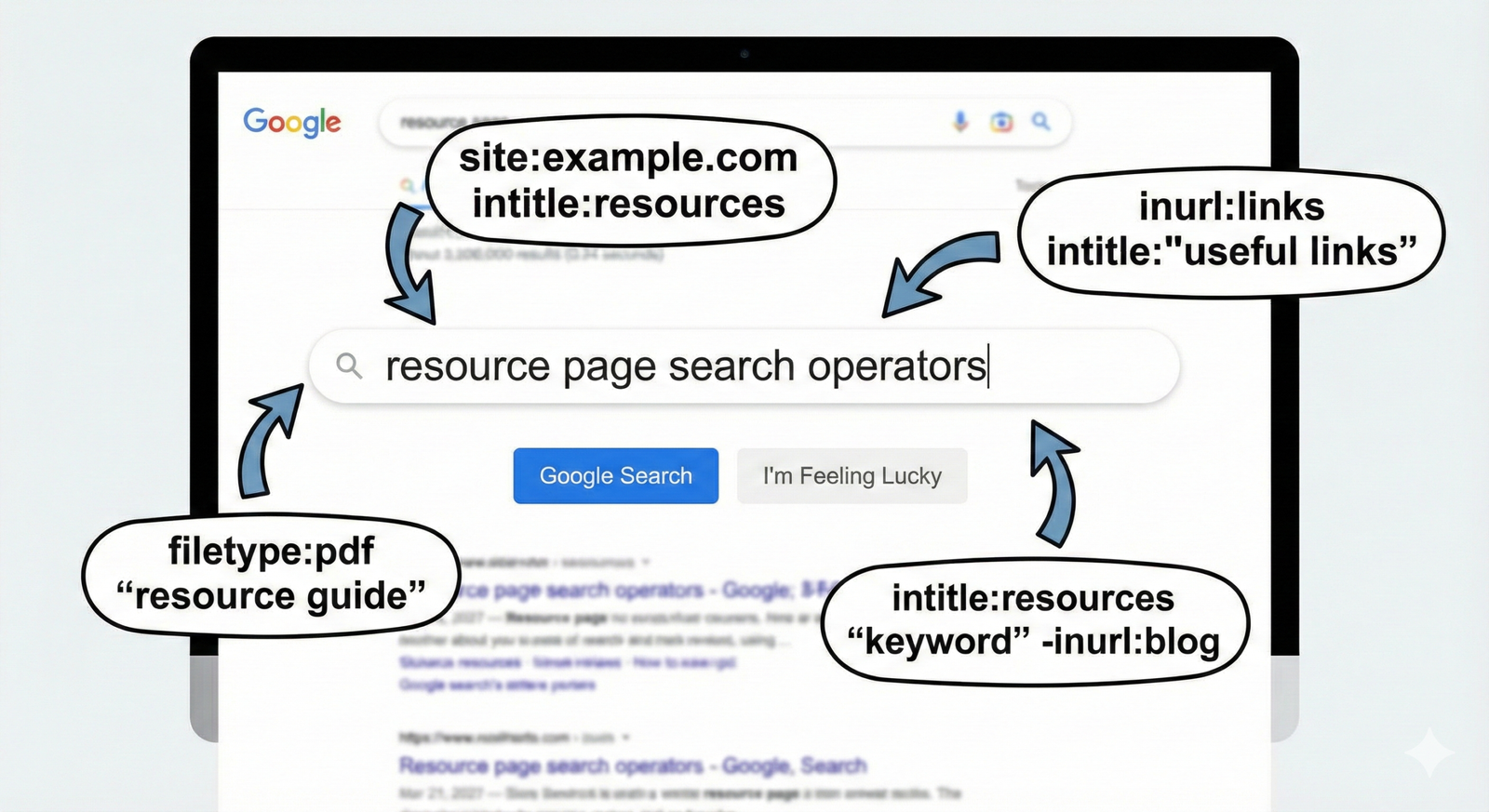
The fastest way to uncover opportunities is to use Google search operators that surface pages with “resources,” “links,” or “helpful sites” in titles or URLs. Combine these with your niche keywords to find highly relevant pages.
Useful search strings include:
- your topic + “resources”
- your topic + “helpful links”
- your topic + “useful resources”
- intitle:resources “your topic”
- inurl:resources “your topic”
As you find targets, log them in a sheet with columns for URL, site, contact info, topic, and notes so you can track outreach and responses efficiently.
Uncover different types of resource pages
Not all Resource Page Link Building look the same; widening your definition dramatically increases the number of opportunities you can pitch. Look for any page whose main purpose is curating external content, even if it is not literally called “Resources.”
Common types include:
- “Resources” or “Helpful links” pages
- “Tools” or “Recommended tools” pages
- “Further reading” or “Start here” pages
- University/library link lists
- NGO or government information hubs
Treat each type slightly differently in your pitch by matching your content format: tools for “tools” pages, guides for “further reading,” and so on.
Reverse engineer competitor resource page links
Instead of guessing where to start, you can map the resource page links your competitors already have and then target those same sources. SEO tools like Ahrefs, Semrush, or Moz let you plug in a competitor’s domain and filter their backlinks for pages with “resources,” “links,” or “helpful” in the URL or title.
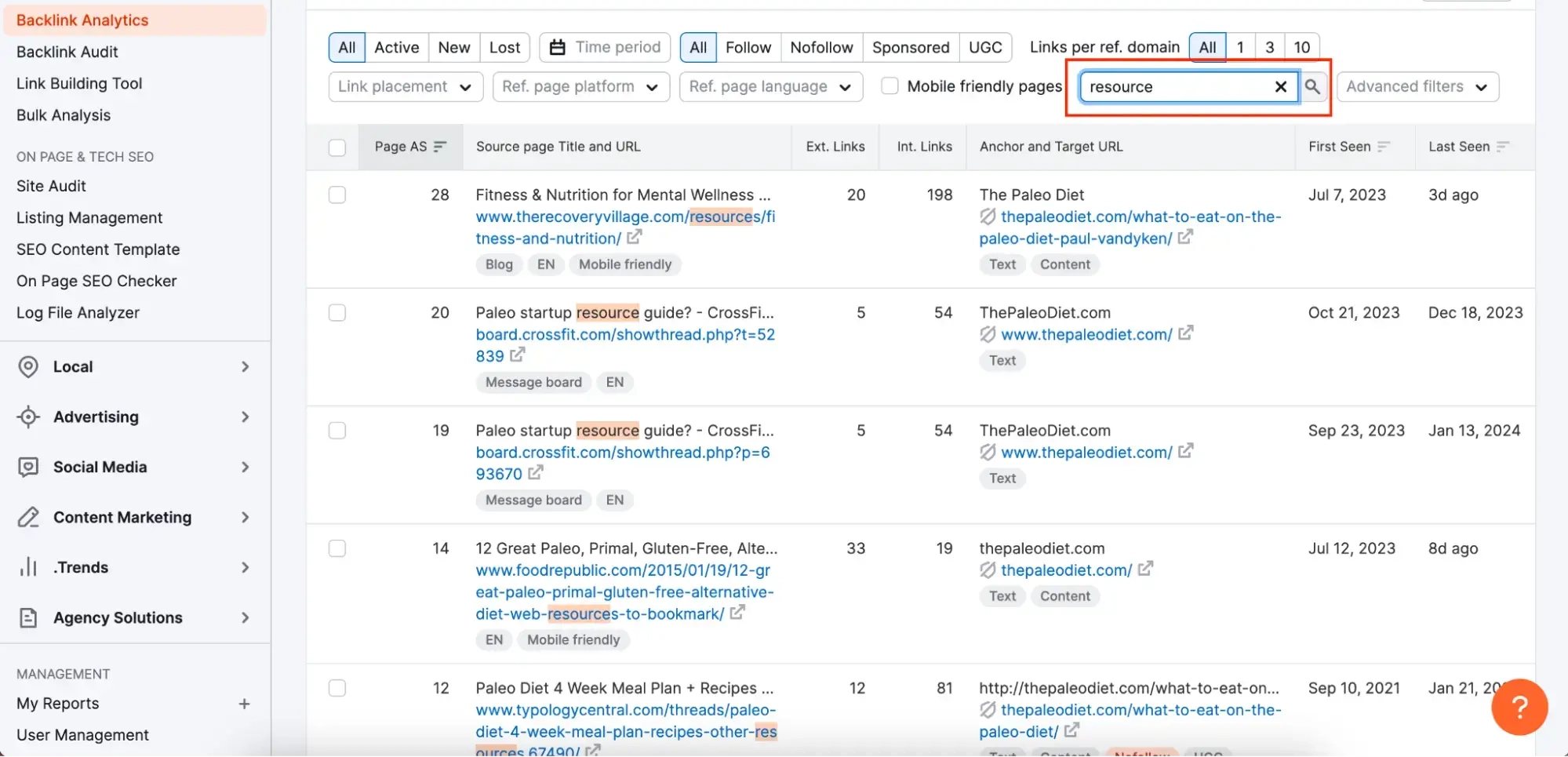
Once you identify these resource pages, check whether they still accept submissions and whether your content matches or improves on what’s currently listed. Your pitch can then reference the existing competitor link while making a strong case for including your asset as an additional or better resource.
Don’t forget “mini” resource pages
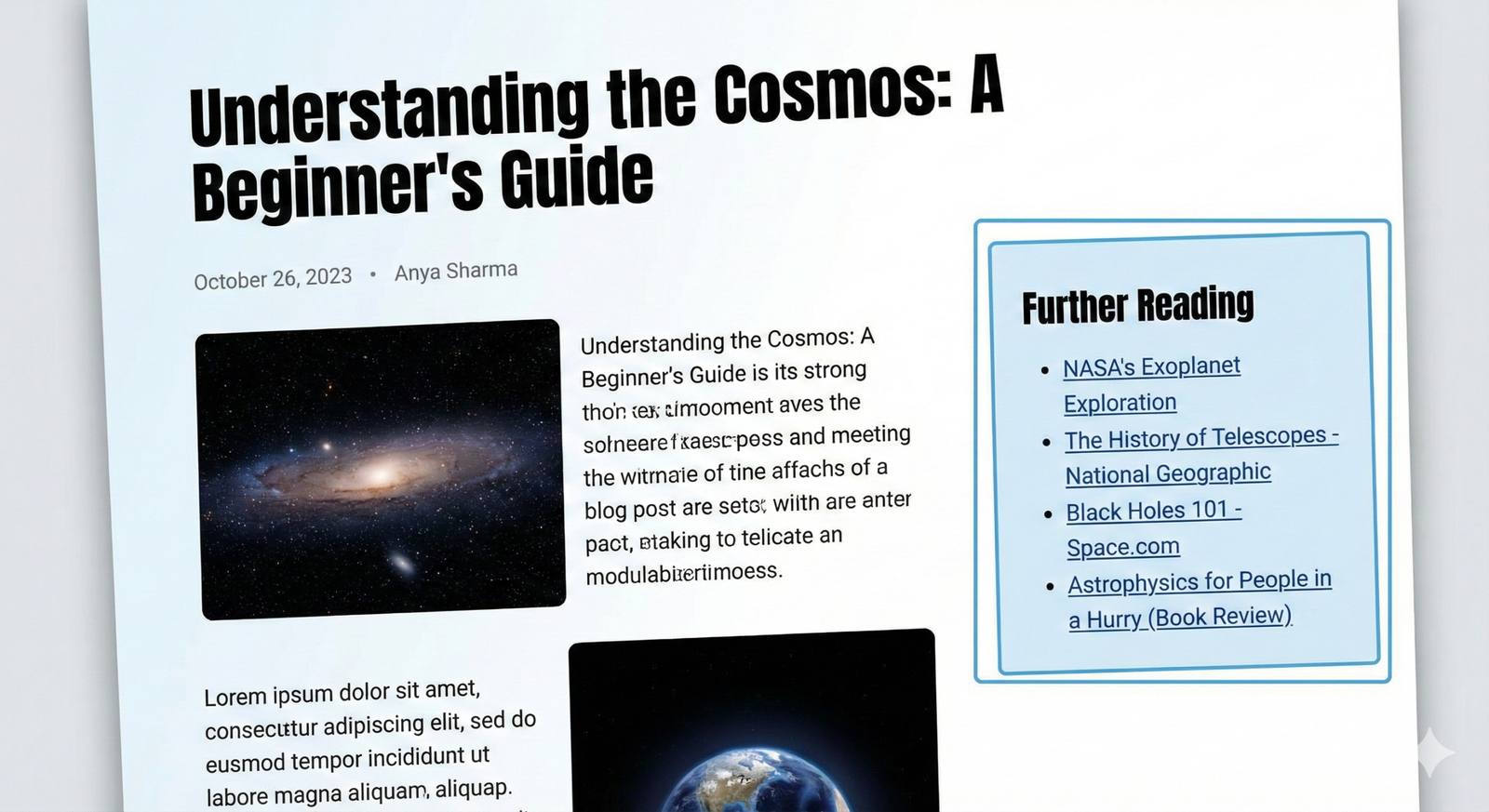
Many blogs add small curated lists at the end or middle of articles, such as “More resources,” “You might also like,” or “Further reading,” which function as mini resource pages. They may not be standalone hubs, but they still link out and can drive qualified traffic and authority.
To find these, search for content in your topic plus phrases like “helpful resources,” “links,” or “further reading,” then scan the article sections. Pitch your content as a natural addition to that section, positioning it as something that fills a gap or updates an outdated recommendation.
Focus on realistic targets
Not every resource page is worth your time, and not every one will say yes, so prioritize targets where your chances are strong. Relevance between your content and the page’s theme matters more than raw authority, especially if your site is new.
Prioritize pages where:
- Your content directly matches a subtopic on the page
- The page has updated content in the last 12–18 months
- It already links to similar external resources
- The site clearly encourages submissions or suggestions
Avoid pages that are completely off‑topic, obviously monetized/spammy, or on domains that never seem to update resources.
Suggested image: Traffic‑light style graphic (green: relevant & updated, yellow: somewhat relevant, red: off‑topic/spammy).
Use a mix of broad and specific searches
Broad queries help you map the landscape, while precise queries uncover niche opportunities that competitors often miss. Using both ensures you do not leave easy wins on the table.
Examples of broad vs specific:
- Broad: marketing resources, intitle:resources “fitness”
- Specific: “saas onboarding” + “resources”, “b2b email templates” + “helpful links”
Rotate variations of your key topics (e.g., “guide,” “checklist,” “tools,” “for beginners”) to find different angles where your content fits.
Email the person who manages the page
Once you identify a good prospect, track down the person most likely responsible for that page: usually a content manager, webmaster, librarian, or blog editor. Check the About, Contact, or Team pages, and if necessary, use tools like Hunter.io or site‑wide email patterns to guess their address.
Your outreach should:
- Mention the exact page URL
- Acknowledge its value or specific resources you liked
- Clearly suggest your content as a useful addition
- Be brief, respectful, and easy to scan
Avoid generic blasts; a few well‑researched, targeted emails perform far better than a hundred vague pitches.
Make it easy to add your link
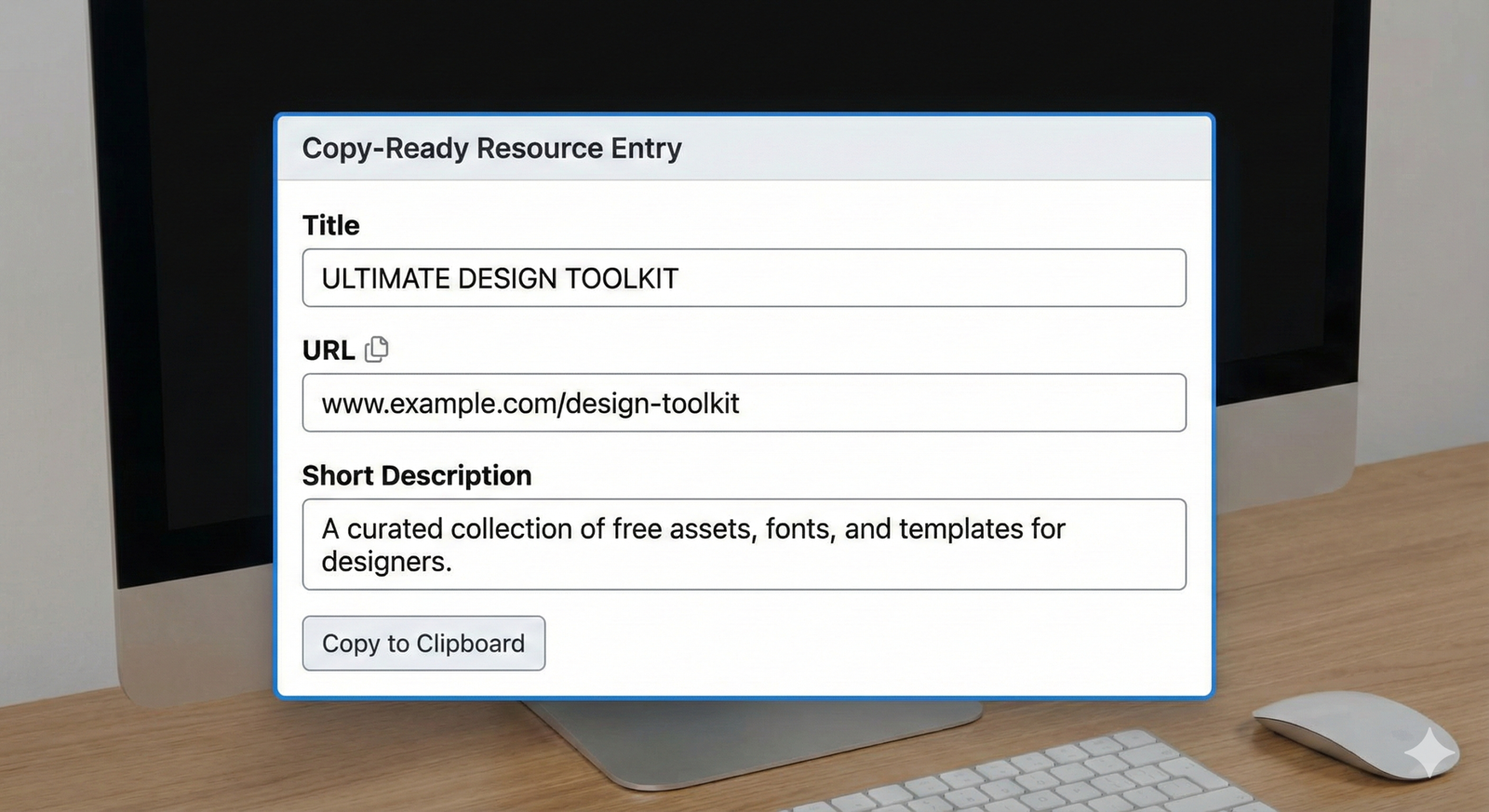
The more effort you remove from the maintainer’s side, the higher your success rate. Provide everything they need to copy‑paste your listing into their page.
Include in your email:
- The exact URL you want them to link to
- A concise, neutral title (not clickbait)
- A 1–2 sentence description that matches the page’s style
- Suggested placement (e.g., “under the Email Marketing section”)
This shows you respect their time and makes approving your request almost frictionless.
Personalize your outreach emails
Generic templates are easy to spot and often ignored, especially on popular resource pages that receive constant pitches. Personalization signals that you have done your homework and genuinely see a fit between their page and your content.
To personalize effectively:
- Reference a specific section or resource you found helpful
- Mention why your content complements what is already listed
- Adapt tone and length to match their brand voice
- Avoid aggressive language or pure self‑promotion
Short, specific emails that focus on value for their users beat long, self‑centered pitches almost every time.
Suggested image: Side‑by‑side comparison of a generic outreach email vs a brief, tailored one with highlighted personalization.
Learn more and level up
Resource page link building works best as part of a broader, consistent link‑building strategy, not as a one‑off tactic. Combining it with digital PR, guest posting, and content worth citing (original research, tools, in‑depth guides) compounds your results over time.
To go deeper into advanced techniques, explore comprehensive guides from established SEO platforms that cover search operators, outreach frameworks, and competitor analysis workflows in more detail. Continually update your own on‑site resources so that when you pitch them, they truly stand out as some of the best material available in your niche.