
A content audit is a systematic review of all the pages, media, and assets on your website to decide what to keep, update, merge, or delete so that your content actually supports your business and SEO goals. Done well, it becomes a repeatable process you can use every quarter to grow traffic, rankings, and conversions.
What is a content audit?
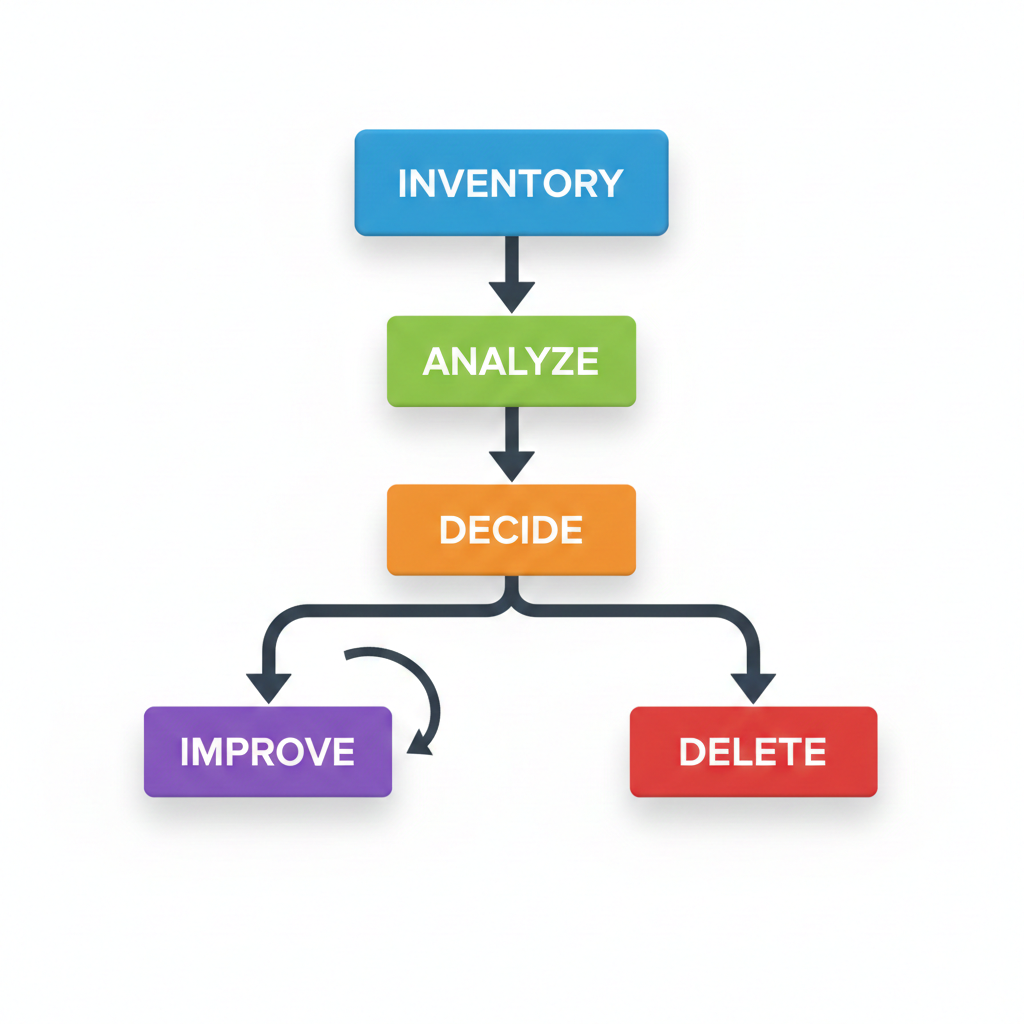
A content audit is the process of listing all your content (URLs, blogs, landing pages, resources) and evaluating each piece against performance, quality, and strategic fit. You track data like traffic, engagement, conversions, and SEO metrics, then decide whether to improve, merge, or remove each page.
Why are content audits important?
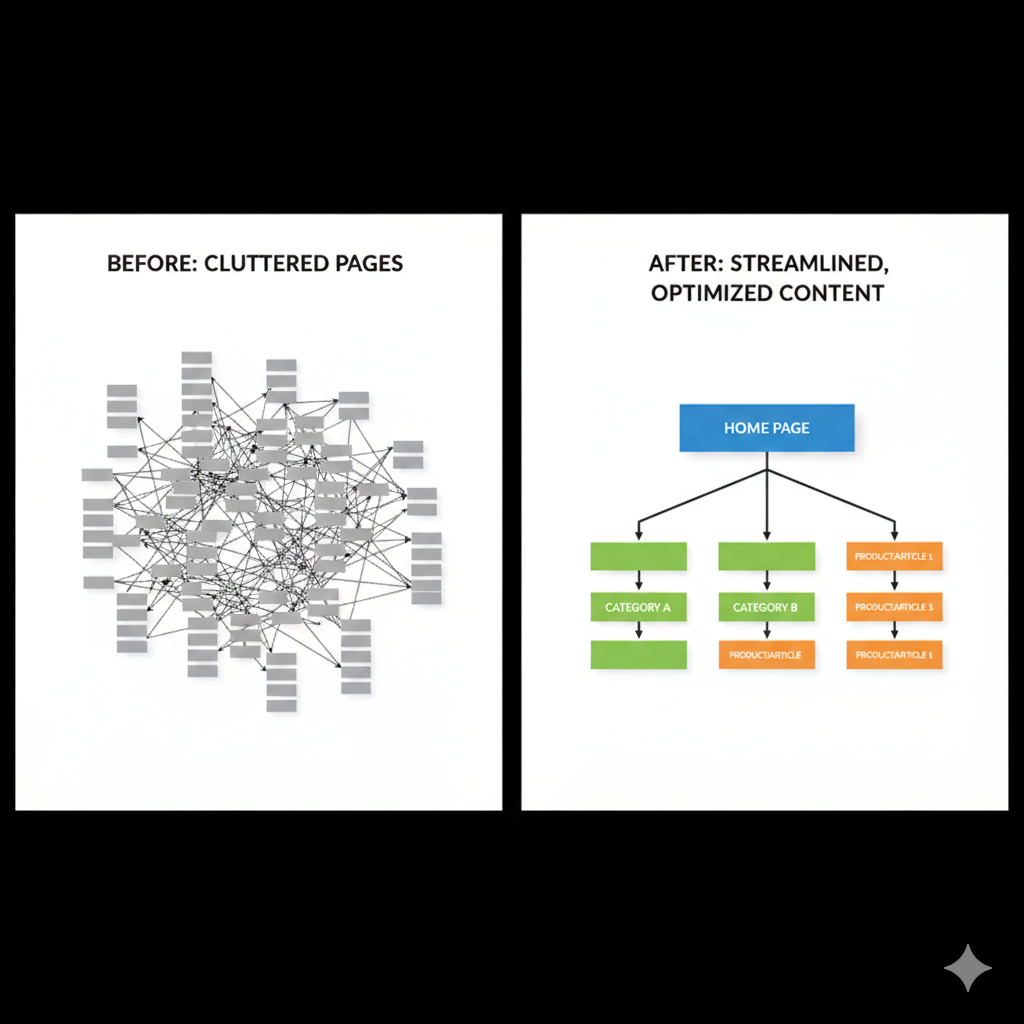
Content audits reveal pages that waste crawl budgets, confuse users, or cannibalize other pages, so your site becomes easier for search engines to crawl and understand. They also uncover high-potential content you can upgrade to win rankings, fix gaps in your funnel, and align your content with current business goals.
How to do a content audit
At a high level, an effective content audit follows these steps:
- Define goals (SEO, leads, authority, engagement).
- Collect all URLs and key metrics.
- Decide actions for each page (keep, improve, consolidate, redirect, delete).
- Implement updates and measure impact.
The following sections break this into specific, actionable steps tailored to performance and conversions.
Step #1: Delete or redirect low-performing pages
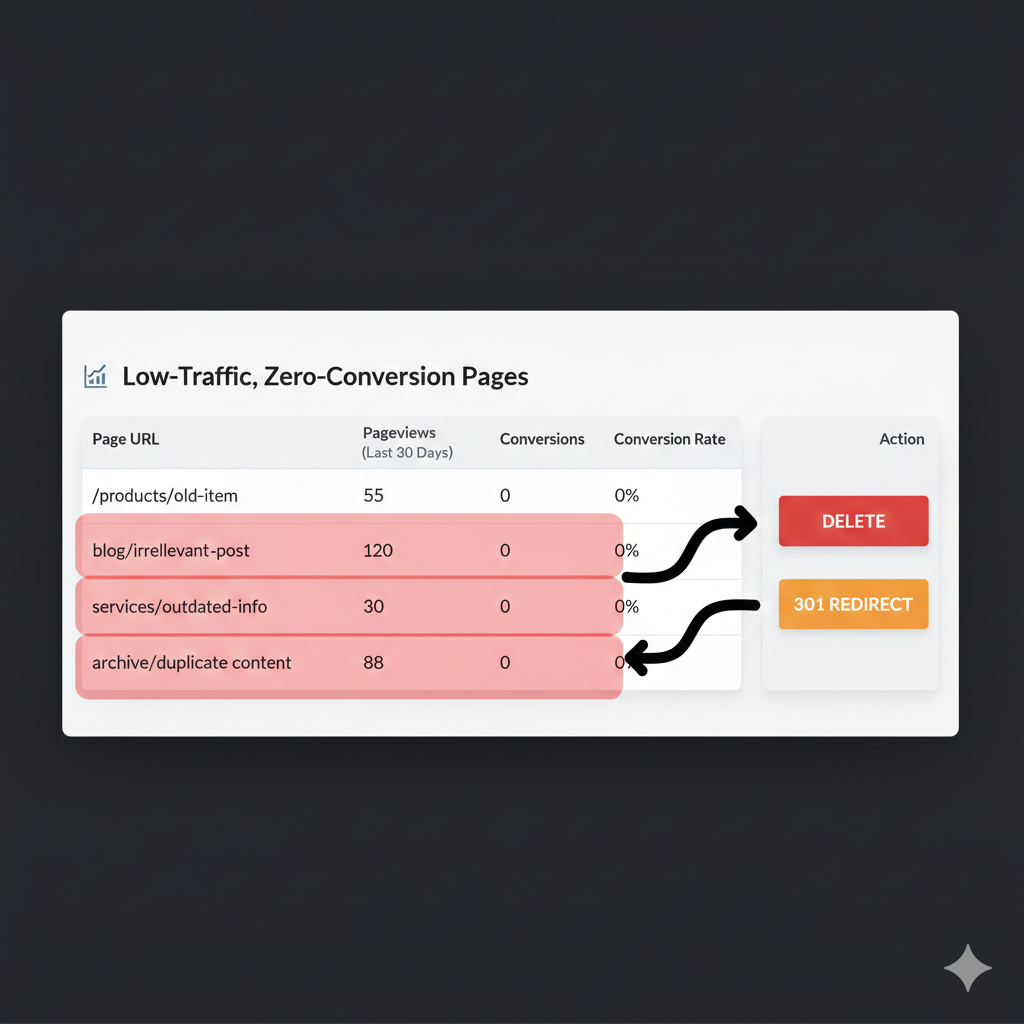
Start by finding “dead” or “zombie” pages: content with little or no traffic, no rankings, no backlinks, and no conversions. These pages may dilute topical authority, cause index bloat, and compete with stronger URLs for similar keywords.
Actions to take:
- Delete thin, outdated, or duplicate pages that add no value, and return a 410 or 404 if they truly have no equivalent.
- Redirect (301) pages that have some relevance or links to a stronger, closely related page so you preserve authority and user experience.
Step #2: Evaluate content based on traffic
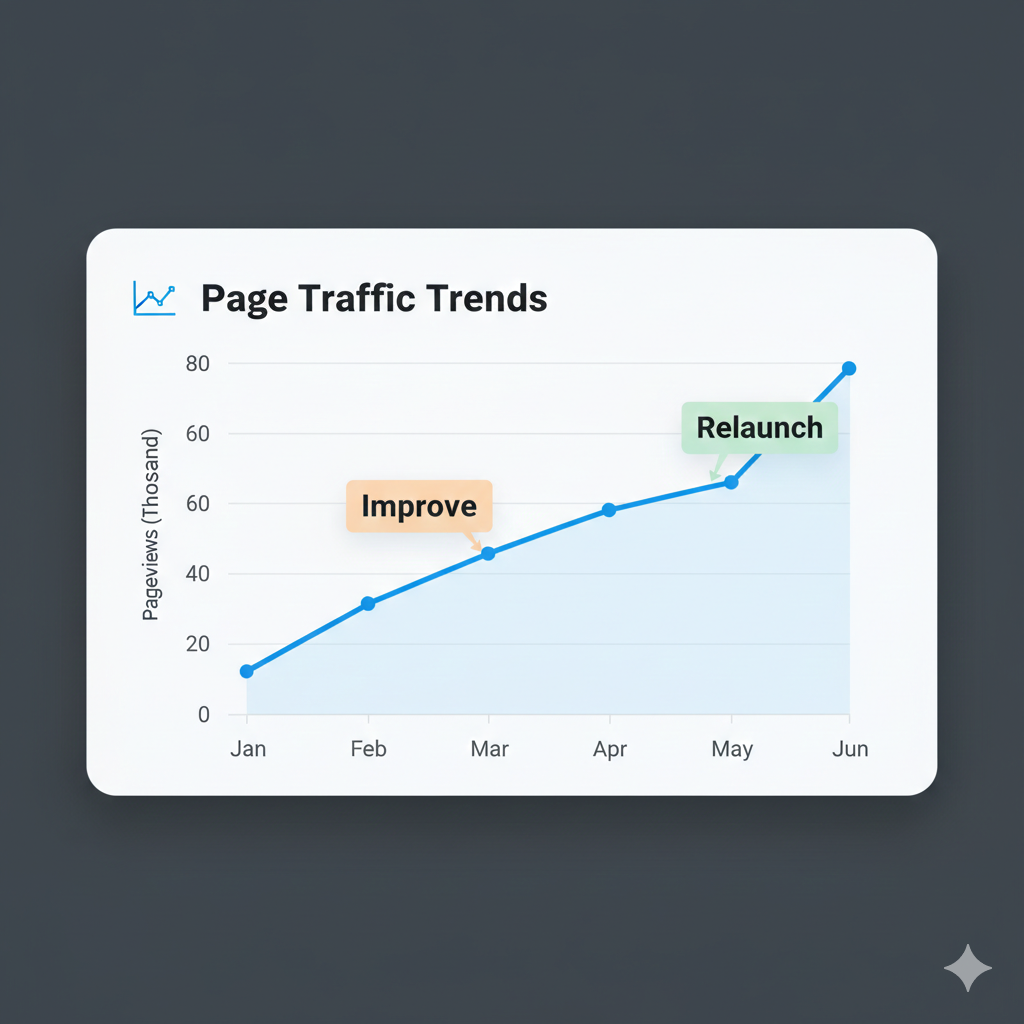
Next, grade content by how much organic and overall traffic it gets and whether that traffic is trending up or down. Look both at volume and intent: a smaller, high-intent audience can be more valuable than a large, unqualified one.
Focus on:
- Low-traffic pages with strategic topics that deserve optimization (better keywords, structure, or depth).
- Declining pages that previously performed well and now need updates, fresh examples, or technical fixes.
Step #3: Look at backlinks
Backlinks show which content other sites find valuable, which directly affects rankings and authority. Even if a page’s traffic is modest, strong, relevant backlinks can justify updating and preserving it rather than deleting it.
When auditing links:
- Protect and improve pages that attract high-quality backlinks by refreshing content, enhancing UX, and tightening on-page SEO.
- Consider merging weaker pages into a stronger, well-linked page so link equity isn’t spread too thin.
Step #4: Improve and relaunch
For pages with strategic value—solid topics, some traffic, or good links—plan an “improve and relaunch” cycle. This typically yields faster gains than publishing new content from scratch because Google already knows and indexes the URL.
Ways to improve:
- Update outdated information, add new sections, FAQs, and internal links.
- Optimize on-page SEO: better title, meta description, headers, and keyword alignment.
- Enhance user experience: scannable structure, images, examples, CTAs, and faster load times.
After updating, re-submit the URL in Google Search Console to prompt re-crawling.
Step #5: Double down on high-converting content
Your best-performing content is not always the highest-traffic content; it is the content that drives leads, sign-ups, or revenue. Use your analytics and CRM to identify which pages generate the most conversions, then prioritize them for promotion and expansion.
To double down:
- Create related cluster content that links back to these “money pages” to strengthen their authority.
- Add complementary offers, updated CTAs, and tailored internal links from other relevant pages.
Step #6: Document key takeaways
A content audit is only valuable if the findings inform future strategy, so document what worked, what failed, and what you will change going forward. This turns one-off cleanups into a continuous optimization habit for your entire content operation.
Capture in your documentation:
- Patterns: topics, formats, or angles that consistently perform well or poorly.
- Process: which steps, tools, and metrics your team should use in the next audit, and how often to repeat it.
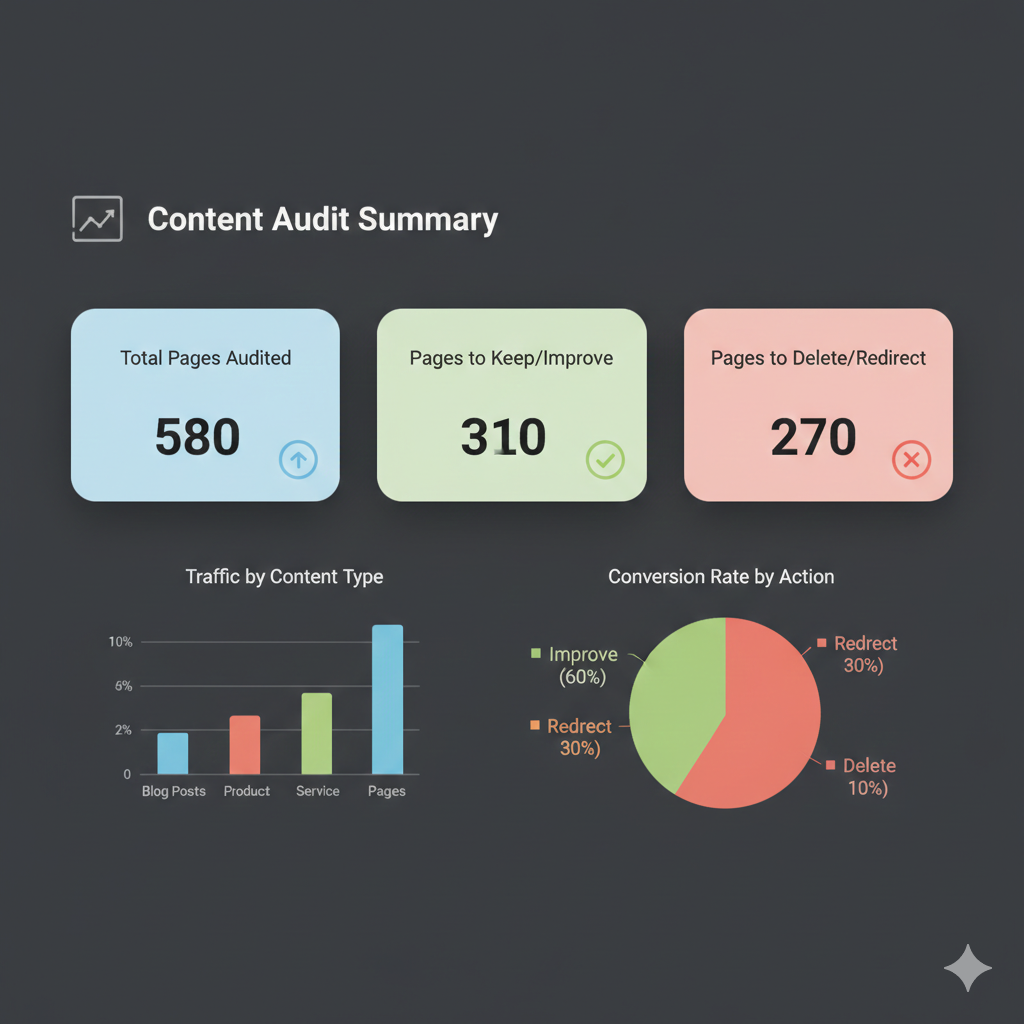
Helpful tools for content audits
Several tools make data collection and analysis faster, especially for larger sites. You will usually combine a crawler, an SEO platform, and your analytics stack to get a complete picture.
Key tools table
| Tool | Primary use in audit |
| Google Search Console | Discover queries, impressions, CTR, indexing status, and underperforming URLs. |
| Semrush | Crawl pages, analyze traffic, rankings, backlinks, and on-page SEO issues. |
| Screaming Frog or similar | Create full URL inventory and technical/metadata overview for all pages. |
Using Google Search Console in a content audit
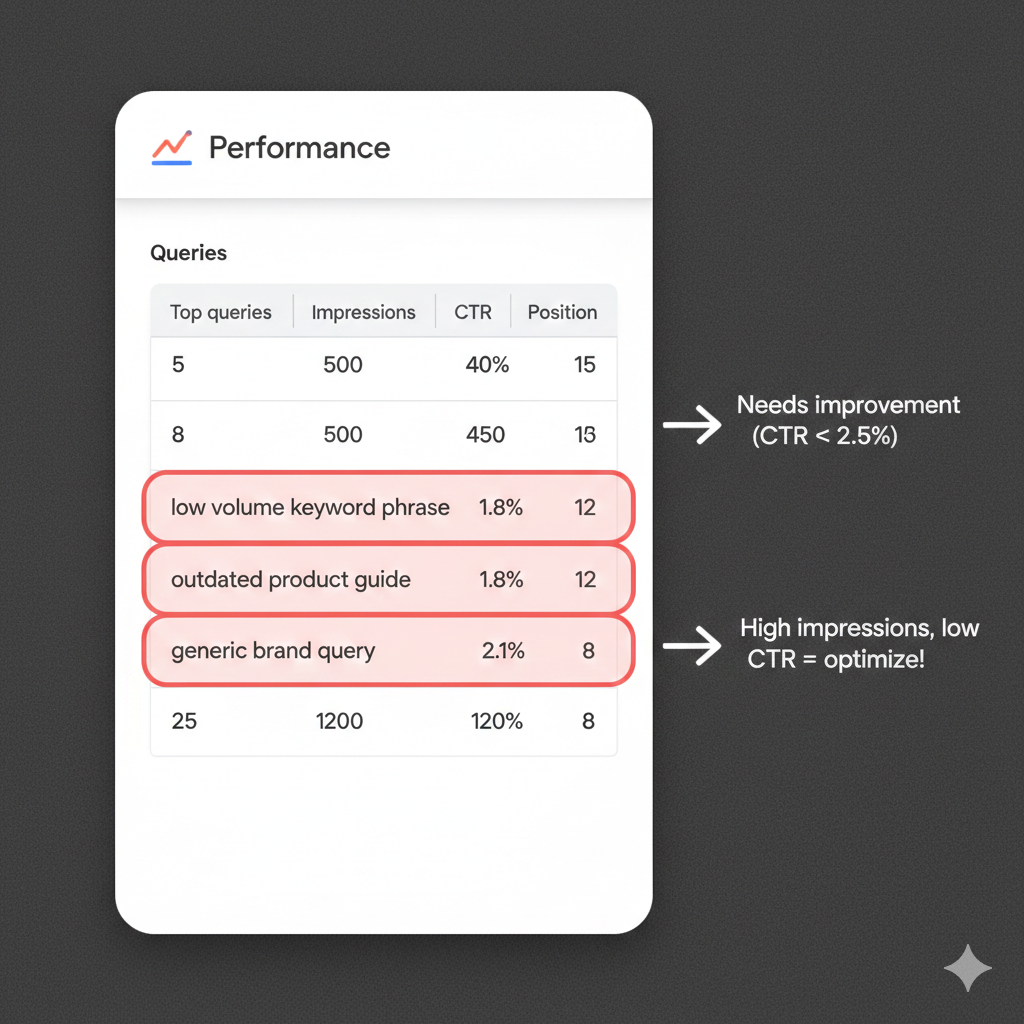
Google Search Console (GSC) helps you see how Google views and serves your content in search. It is especially useful for spotting “dead” URLs, index issues, and pages with high impressions but low clicks.
In a content audit, use GSC to:
- Identify pages with good impressions but poor CTR, then improve titles and meta descriptions.
- Find URLs that are crawled but not indexed, or that have declined in clicks, to prioritize technical or content fixes.
Using Semrush in a content audit
Semrush can automatically crawl your site, pull performance data, and highlight SEO and content issues at scale. It also offers templates and structured workflows tailored specifically for content audits.
Within Semrush you can:
- Run a Site Audit and Crawled Pages report to collect URLs, status codes, metadata, and on-page issues for each page.
- Use Backlink Analytics and organic research tools to assess which pages attract links, rankings, and traffic worth preserving or expanding.
Image suggestion: Semrush dashboard-style mockup showing a “Content Audit” view.
By consistently running content audits and acting on what the data reveals, your site becomes leaner, more authoritative, and more profitable over time. Set a recurring schedule—quarterly for larger sites, biannually for smaller ones—so content never drifts too far from your strategy or your audience’s needs.