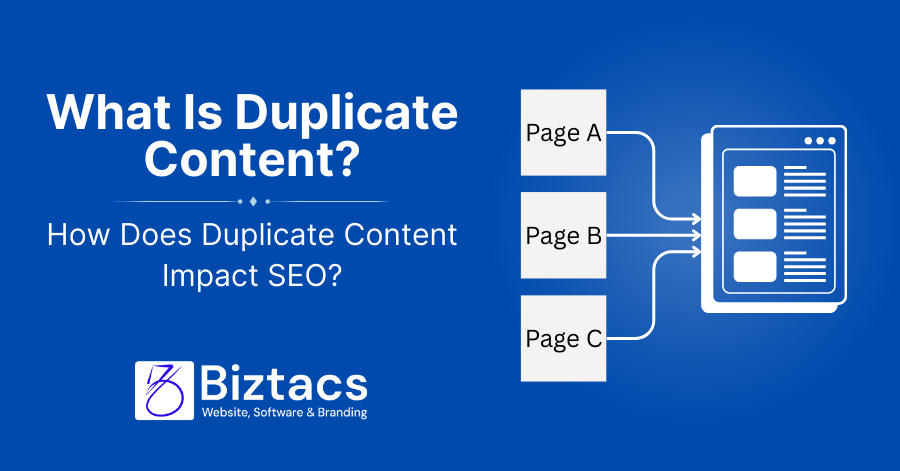
Duplicate content is any page that’s equal to or very similar to another page on your site or elsewhere on the web, and it can harm your SEO by missing rankings, wasting crawl budget, and confusing search engines about which URL to show.
What is duplicate content?
Duplicate content means the same or very similar text appearing at more than one URL, either within your own site (internal duplicates) or across different domains (external duplicates). It includes exact copies and “near duplicates” where wording is slightly changed but the core meaning and structure are the same, and usually adds little or no extra value for users.

Common examples:
- The same product description is reused on dozens of product pages
- HTTP and HTTPS versions of a page are both accessible
- URL parameters (tracking, filters, sessions) generate many URLs with the same body content
How duplicate content impacts SEO
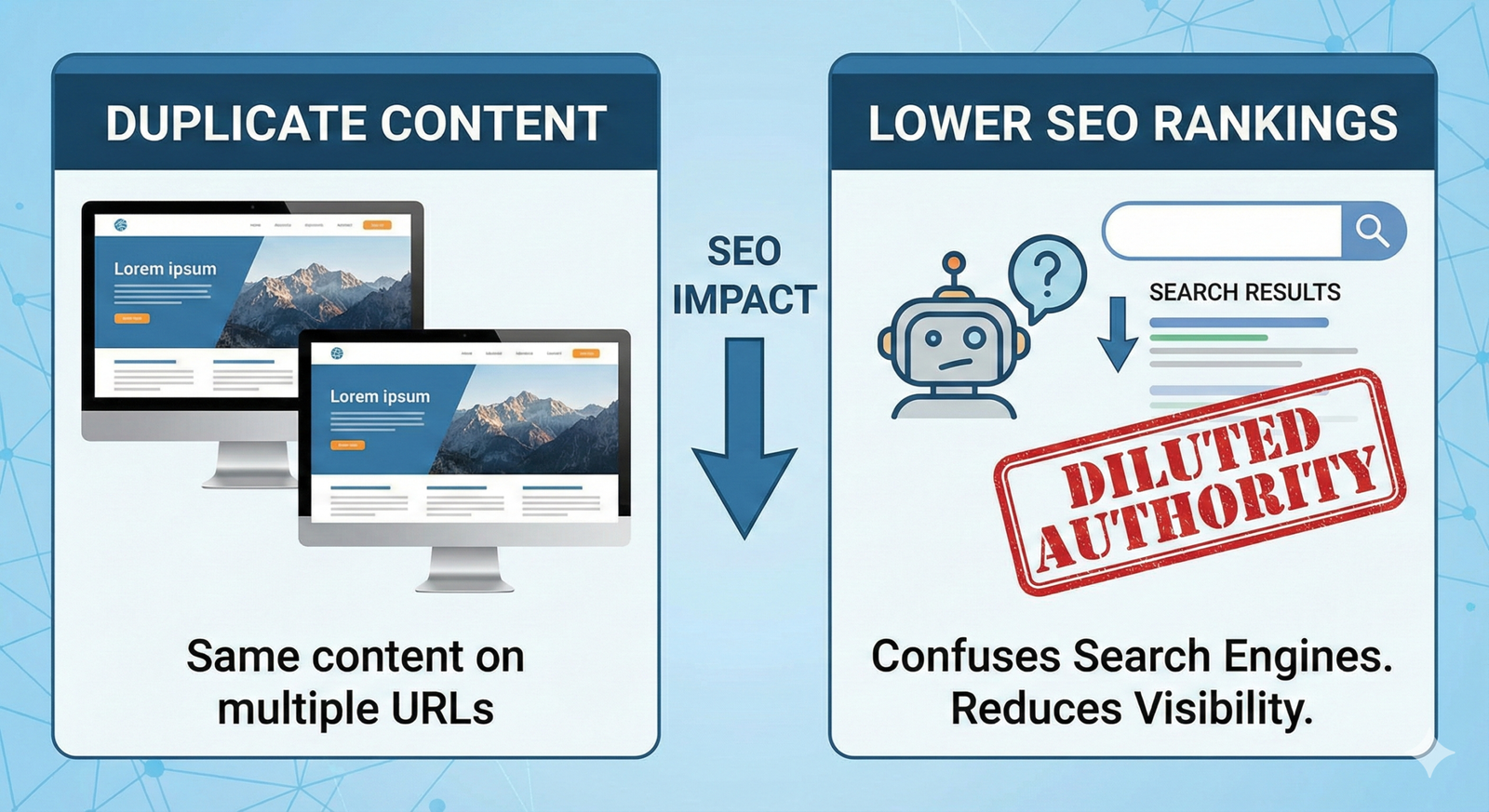
Search engines aim to index and rank distinct, useful pages, so duplicate content forces them to choose one version and ignore or devalue others. Backlinks, internal links, and other authority signals get split across multiple versions, so none of them performs as well as one consolidated, canonical page would. Google rarely applies a formal “penalty” for unintentional duplicate content. However, deliberate duplication or content scraping to manipulate rankings can trigger manual actions that severely limit visibility.
Less organic traffic
Duplicate content often leads to less organic traffic because:
- The “wrong” page ranks: Google may rank a version you did not optimize for conversions or UX.
- Rankings get diluted: Each duplicate competes with the others, so the main page you care about struggles to reach the top results.
Sites that systematically clean up duplicate content commonly report noticeable increases in organic traffic because authority gets focused on fewer, stronger URLs.
Fewer indexed pages and crawl budget
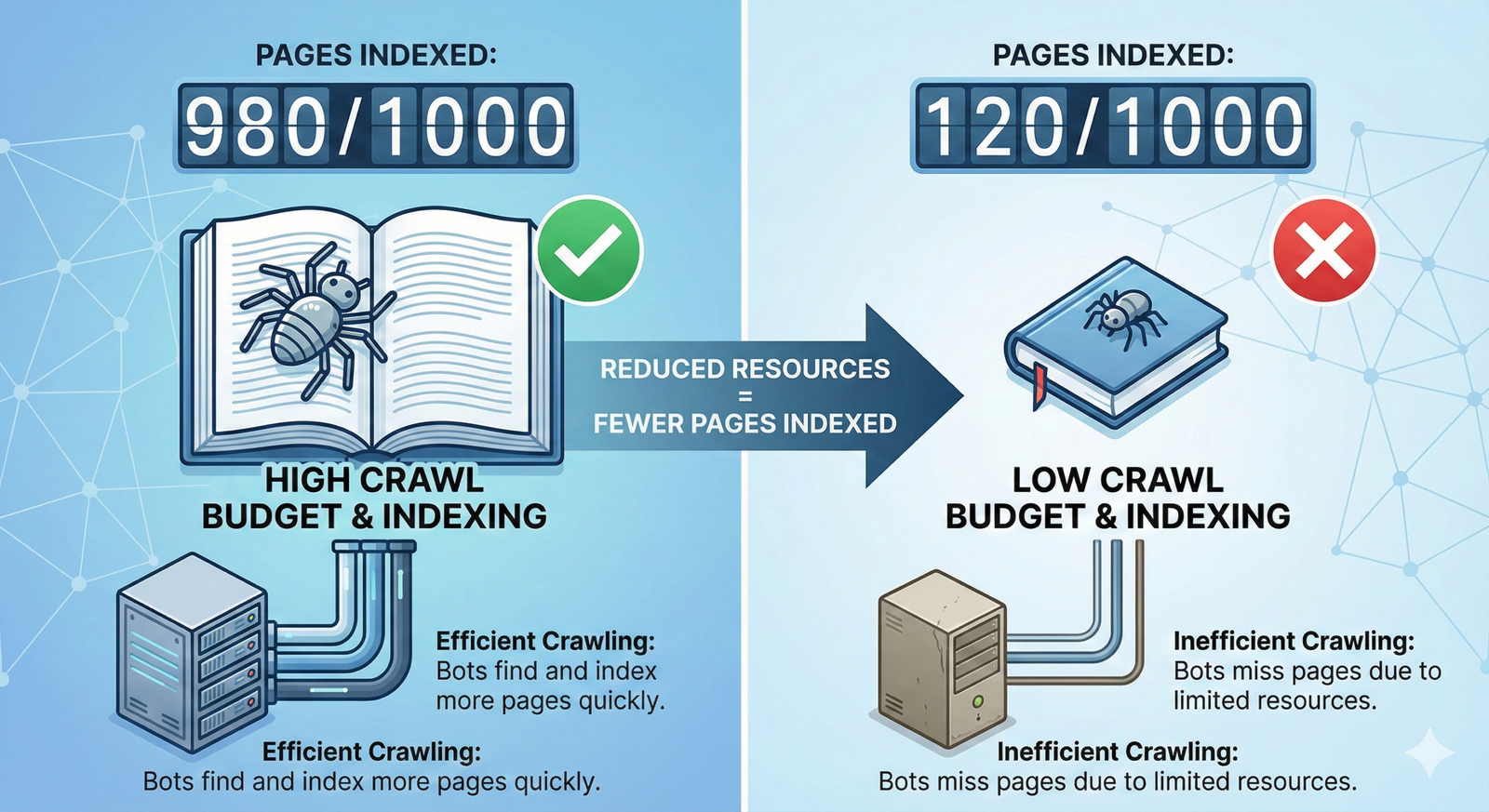
Search engines allocate a limited crawl budget to each site, especially larger ones. If that budget is spent crawling many near-identical URLs, new or updated pages may take longer to discover and index, leaving some important content out of the index altogether. Duplicate content also makes it harder for search engines to understand your site structure, which can reduce the number of pages that appear in search and limit sitelinks and other rich results.
Penalties (extremely rare)
Most duplicate content is accidental and does not get penalized; Google generally filters duplicates rather than punishing them. Penalties tend to be reserved for manipulative behavior such as mass content scraping, doorway pages, or networks of near-identical sites built purely to game rankings.
To stay safe:
- Avoid copying content from other sites
- Add clear value and original insights on every key page
- Use proper technical signals (301s, canonicals, noindex) instead of trying to “hide” manipulative tactics
Watch for the same content on different URLs
Many duplicate issues come from technical URL behavior rather than copy‑pasting text. Typical causes include URL parameters for filters and tracking, printer-friendly versions, HTTP/HTTPS duplicates, “www” vs non‑“www”, and trailing slash inconsistencies.
To minimize this:
- Decide on a single preferred domain (for example,
- https://www.example.com
- ) and enforce it
- Use consistent internal linking so that everyone links to the same version of each page
Check indexed pages
Regularly checking which URLs are indexed helps you spot unexpected duplicates. In Google Search Console, use the Indexing and Pages reports to identify “Duplicate, Google chose a different canonical than the user” and similar statuses.
Quick checks:
- Run site: yourdomain.com “snippet of text” searches to see whether the same content appears on multiple URLs
- Audit your sitemap and ensure only canonical, index-worthy URLs are listed
Make sure redirects work correctly.
Incorrect or missing redirects allow multiple versions of the same content to stay live. Every non-preferred URL (like the HTTP version or old slug) should redirect to the single, canonical version so that users and bots always end up in the same place.
Pay special attention to:
- Migration from old URLs to new ones
- Merging or deleting content
- Removing tracking parameters from indexable URLs when possible
Use 301 redirects
A 301 redirect is a permanent redirect that passes most link equity and signals from the old URL to the new one. It is ideal when one page replaces another, or when several duplicates should be consolidated into a single “main” page.
Use 301 redirects when:
- You consolidate similar articles into one comprehensive guide
- You change URL structure (for example, /blog/duplicate-content to /seo/duplicate-content)
- You fix HTTP to HTTPS and “www” vs non‑“www” variations
Keep an eye out for similar content.
Not all duplicate content is word‑for‑word. Near‑duplicate pages targeting the same intent with slightly tweaked keywords can cause similar problems. Thin category pages, tag archives, and boilerplate product descriptions are common sources of low‑value, overlapping content.
To avoid this:
- Map each page to a distinct search intent and set of primary keywords
- Merge overlapping content where pages are competing for the same terms
Use the canonical tag
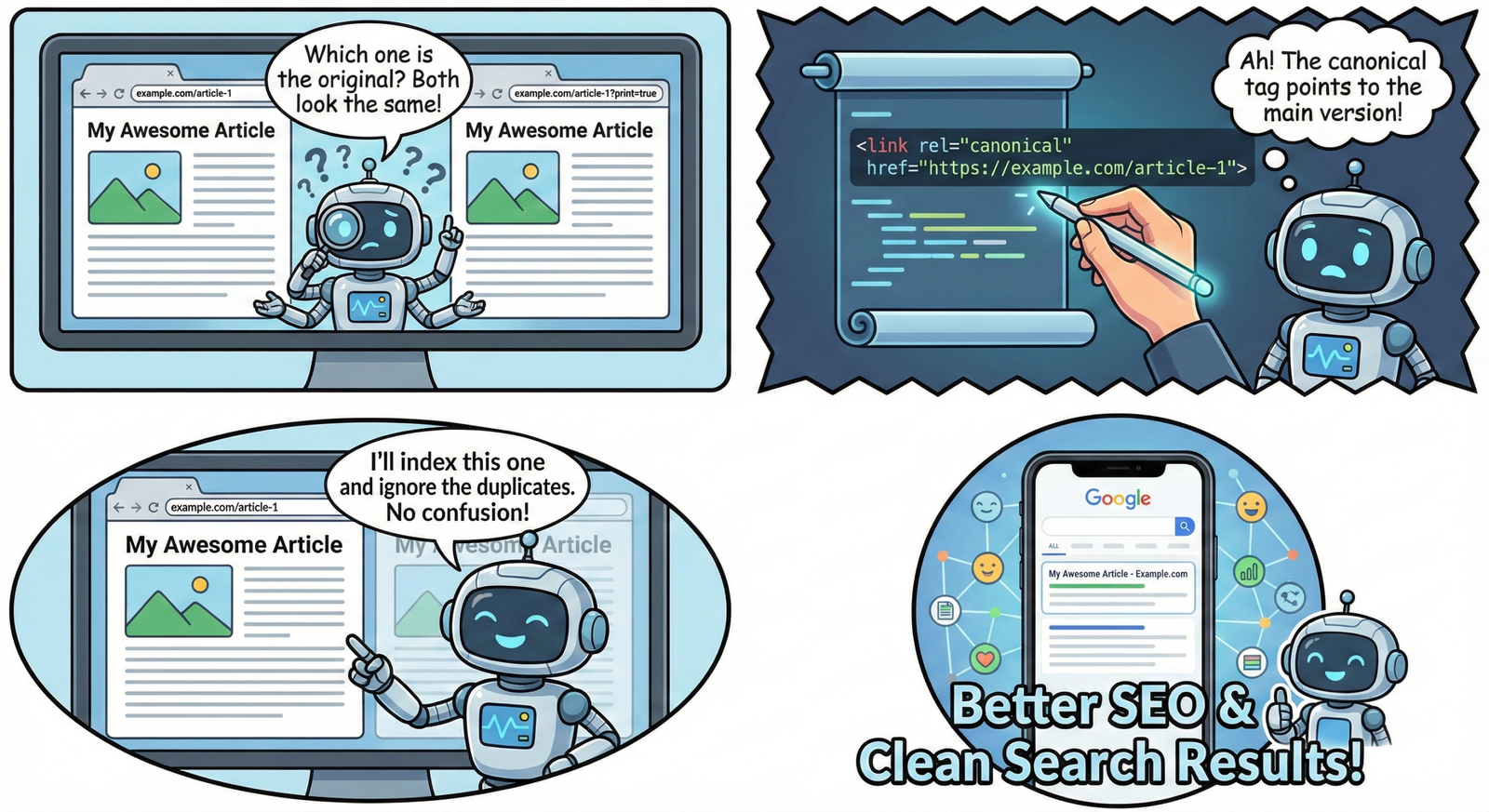
A canonical tag (<link rel=”canonical” href=”preferred-URL” />) tells search engines which URL should be treated as the primary version when multiple similar pages exist. It consolidates ranking signals without redirecting users, making it perfect for near-duplicates like filtered product pages, print versions, or syndication scenarios.
Best practices:
- One canonical tag per page, pointing to either itself (self‑canonical) or the true canonical page
- Ensure all duplicates point to the same canonical URL to avoid sending mixed signals
Use a tool to find duplicates.
SEO tools make it much easier to locate duplicate and near‑duplicate content at scale. Popular platforms can crawl your site, flag identical titles and meta descriptions, detect similar body content, and surface canonical or redirect issues.
Useful categories of tools:
- Site audit tools (e.g., technical SEO crawlers)
- Rank and indexing monitors (e.g., Search Console, analytics platforms)
- Content optimization tools that highlight thin or repetitive pages
Consolidate pages
When multiple pages target the same topic, consolidating them into one strong, well-structured page is usually better than keeping several weak duplicates. This allows all backlinks, internal links, and engagement metrics to focus on a single URL, increasing its chance of ranking.
Steps:
- Choose the best-performing or most authoritative URL as the main page
- Merge the strongest, unique sections from other pages into it
- Apply 301 redirects from old pages to the chosen canonical page
Noindex WordPress tag or category pages
On many WordPress sites, tag and category archives can generate large amounts of thin, overlapping content. If these archives do not provide unique value, marking them as no index helps prevent duplicate issues and keeps the index focused on your main posts and landing pages. SEO plugins like Yoast or Rank Math let you easily set no index for specific archive types, search result pages, and other low‑value sections.
Learn more
Duplicate content may not always lead to a direct penalty, but it quietly limits how far a website can grow in search. Treat it as a strategic issue, not just a technical one. Cleaning it up helps search engines clearly understand which pages matter most, and makes it easier for visitors to find your best work. Focus on one strong, valuable URL for each topic, support it with correct redirects and canonicals, and remove or noindex low‑value duplicates. Regular audits with reliable SEO tools, plus smart use of WordPress settings, keep problems from creeping back in. Over time, these small, consistent fixes compound into better rankings, stronger authority, and a cleaner experience for users and search engines alike.
