SEOquake configuration lets you control what metrics you see, how often they refresh, and how “heavy” the extension is on search engines. Proper setup keeps your data clean while reducing the risk of captchas or temporary blocks.
Quick Options
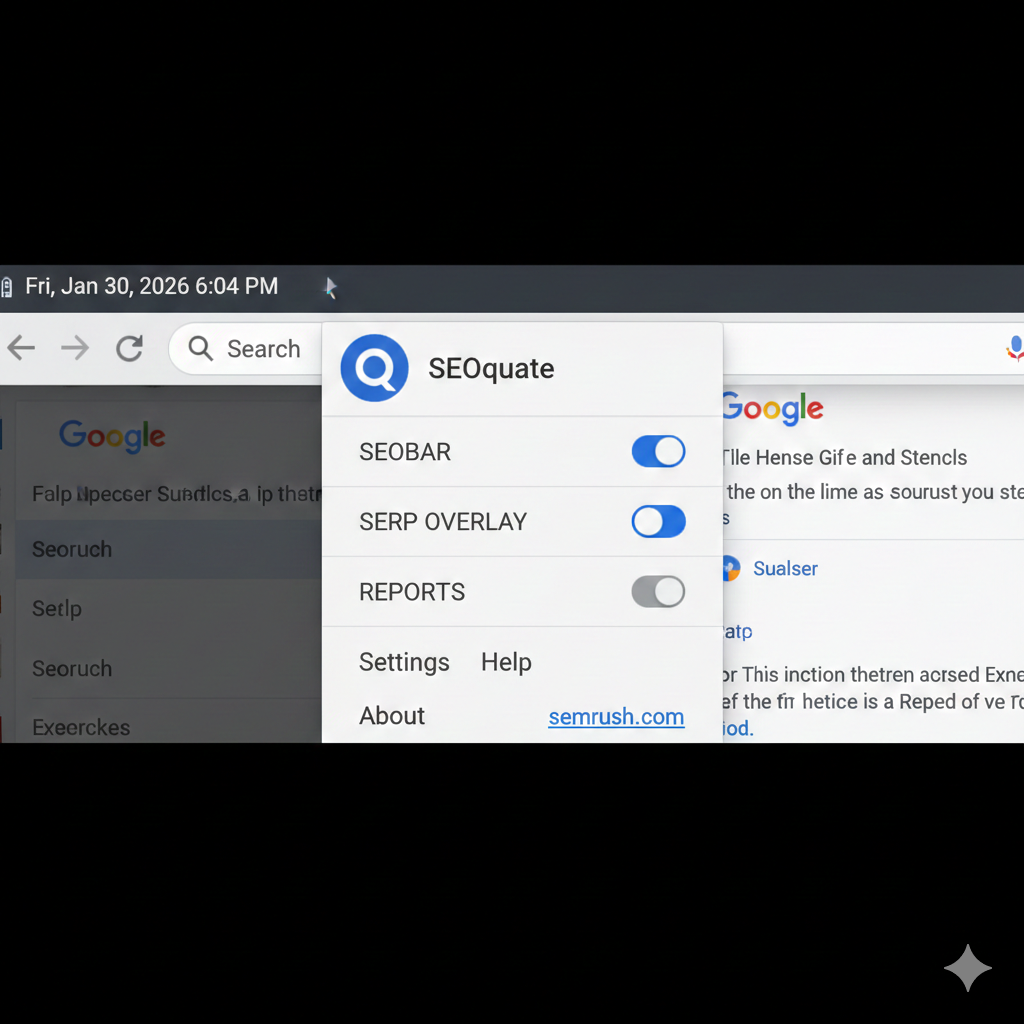
Quick Options are the fastest way to toggle SEOquake features directly from your browser toolbar. By clicking the SEOquake icon, you can instantly enable or disable the SEObar, SERP overlay, and some reports for the current session without opening the full settings panel.
Use these toggles when you are doing casual browsing and don’t need constant metrics, or when you want to temporarily hide overlays to reduce distractions or avoid unnecessary requests to search engines. It is a practical way to keep SEOquake “lightweight” while still having it ready when you start an SEO task.
General Settings
General settings control how SEOquake behaves globally across all sites and sessions. From the settings window (accessed via the extension icon), you can manage interface language, default search engine, data refresh intervals, and caching preferences.
Adjusting cache duration and request delays is important, because shorter intervals generate more frequent queries and may trigger captchas, while longer intervals keep SEOquake responsive but safer. You can also reset to default configuration if performance issues appear after heavy customization.
SERP Overlay Configuration
SERP overlay settings define what you see directly on search results pages. In this tab, you choose which parameters (such as Semrush Rank, indexed pages, or backlinks shortcuts) appear under each result, and whether an overall toolbar shows at the top of the SERP.
To keep SERPs readable and avoid sending too many automatic requests, enable only the most important metrics for your workflow (for example, Semrush Rank, traffic estimate, and index status). You can also turn off overlays entirely for specific engines if you only rely on Google for analysis.
Parameters Configuration
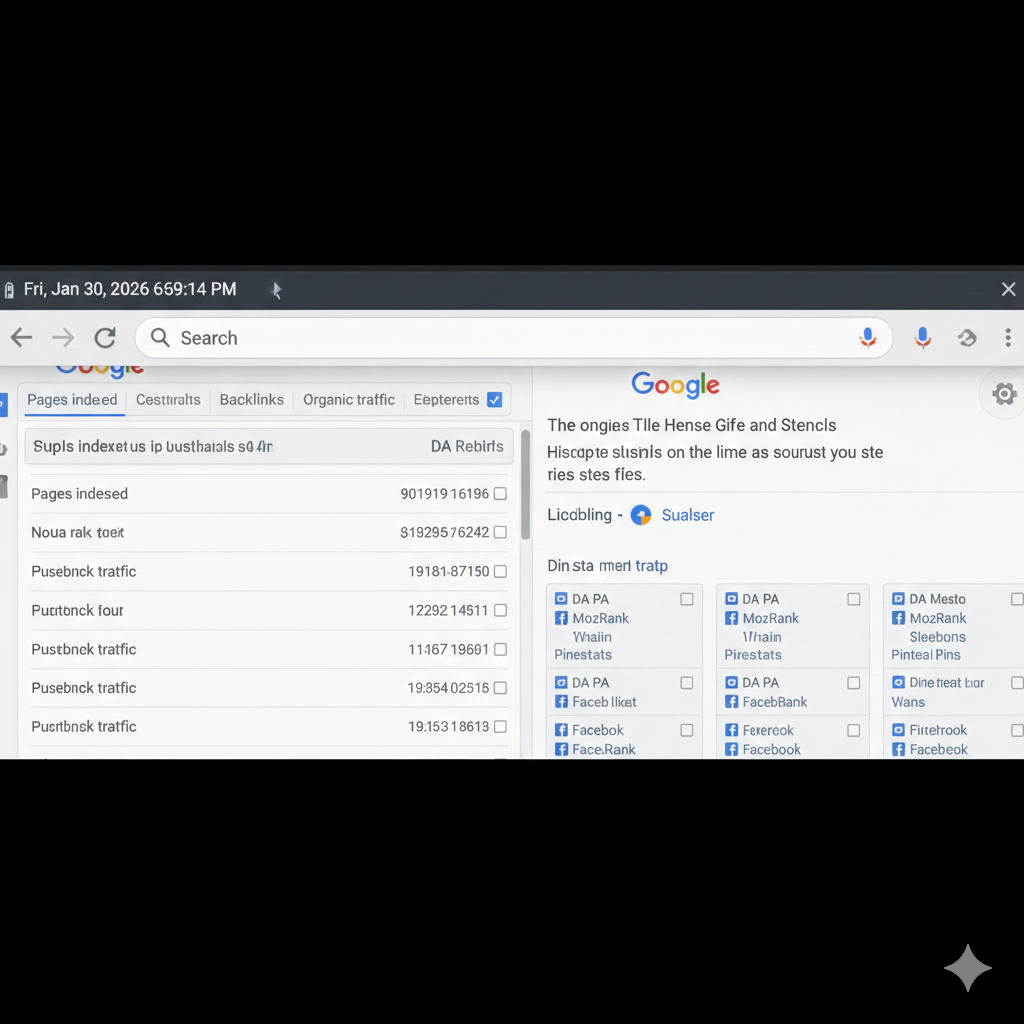
The Parameters Configuration section is where you fine‑tune exactly which metrics SEOquake loads and where they appear. You can enable or disable parameters for the SEObar, SERP, and internal reports, and in some cases reorder them so the most important metrics sit at the front.
A lean setup might keep only authority, traffic, and indexation metrics active, while disabling rarely used ones such as deprecated ranks or niche services. This reduces noise, speeds up loading, and lowers the risk of hitting search‑engine rate limits, especially during heavy research sessions.
