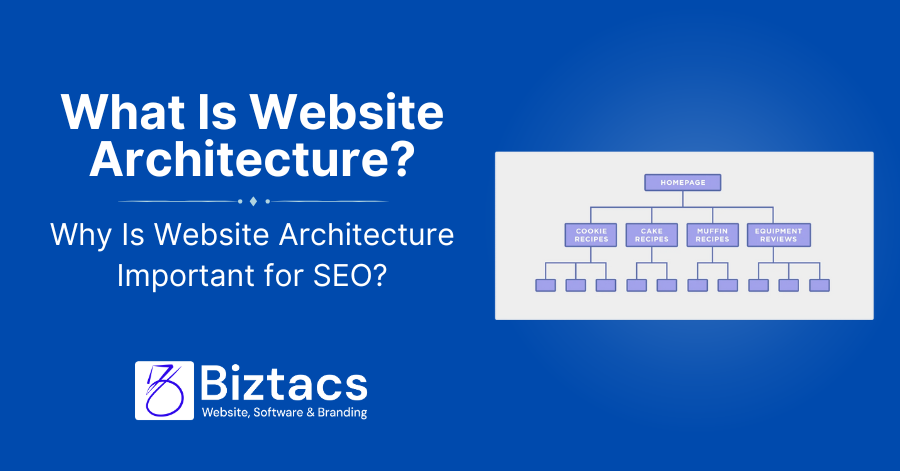
Website architecture refers to how a website’s pages and content are managed, structured, and interconnected. A well-planned site architecture provides clear paths for both users and search engines to navigate, improving SEO performance and the user experience.
What Is Website Architecture?
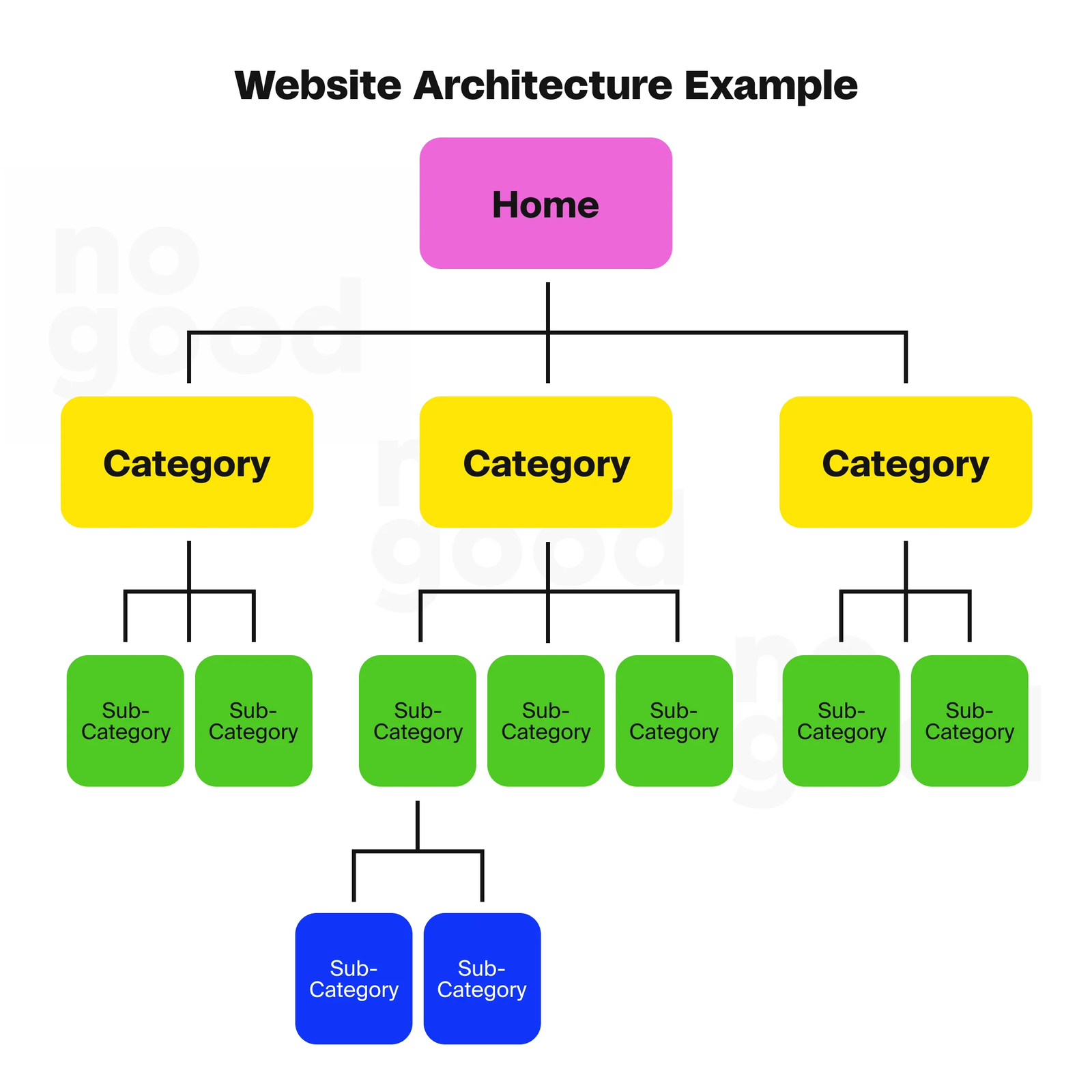
Website architecture involves preparing and designing a site’s information to establish design and improve usability. It contains how content is grouped into articles, sorted from broader to more limited topics, and connected through features like navigation, breadcrumbs, URL structure, and internal links.
Think of it as a roadmap that organizes all web pages based on their importance and relevancy, ensuring visitors can easily find information while search engines can actually index the site. Key components include:
- Site hierarchy – The organizational levels of your content
- URL structure – How page addresses are formatted
- Internal linking – Connections between pages on your site
- Navigation elements – Menus, breadcrumbs, and sitemaps
Why Is Website Architecture Important for SEO?
Reason #1: Helps Search Engine Spiders Find and Index Pages
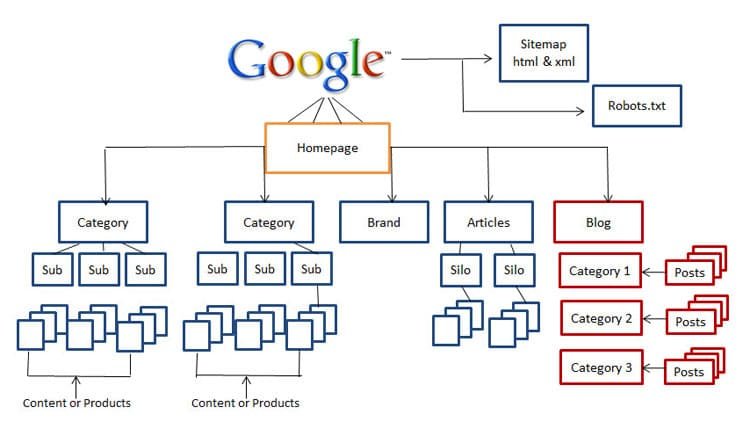
Search engine crawlers follow internal links to map connections between pages on your website. A well-structured website helps search engines to understand and index content virtually, which is important for good rankings. Without proper architecture, crawlers may miss newer pages that are hard to find, leaving valuable content unindexed.
Reason #2: Sends Link Authority Around Your Website
Link equity (sometimes called “link juice”) is the perceived value and topical authority one page can pass to another through hyperlinks. Internal linking within a structured website helps distribute page authority across the entire site, boosting the SEO performance of individual pages. Pages closer to your homepage receive more authority, which can then flow to deeper pages through strategic internal links.
Reason #3: Makes It Easy for Visitors to Find What They Need
Good site architecture keeps information organized and easy to find, directly impacting user experience. When users can navigate intuitively, bounce rates decrease and time-on-site increases—signals that search engines factor into ranking algorithms. A straightforward structure reduces user frustration and enhances engagement, potentially increasing conversions.
Best Practices for Website Architecture
Use a “Flat” Site Architecture
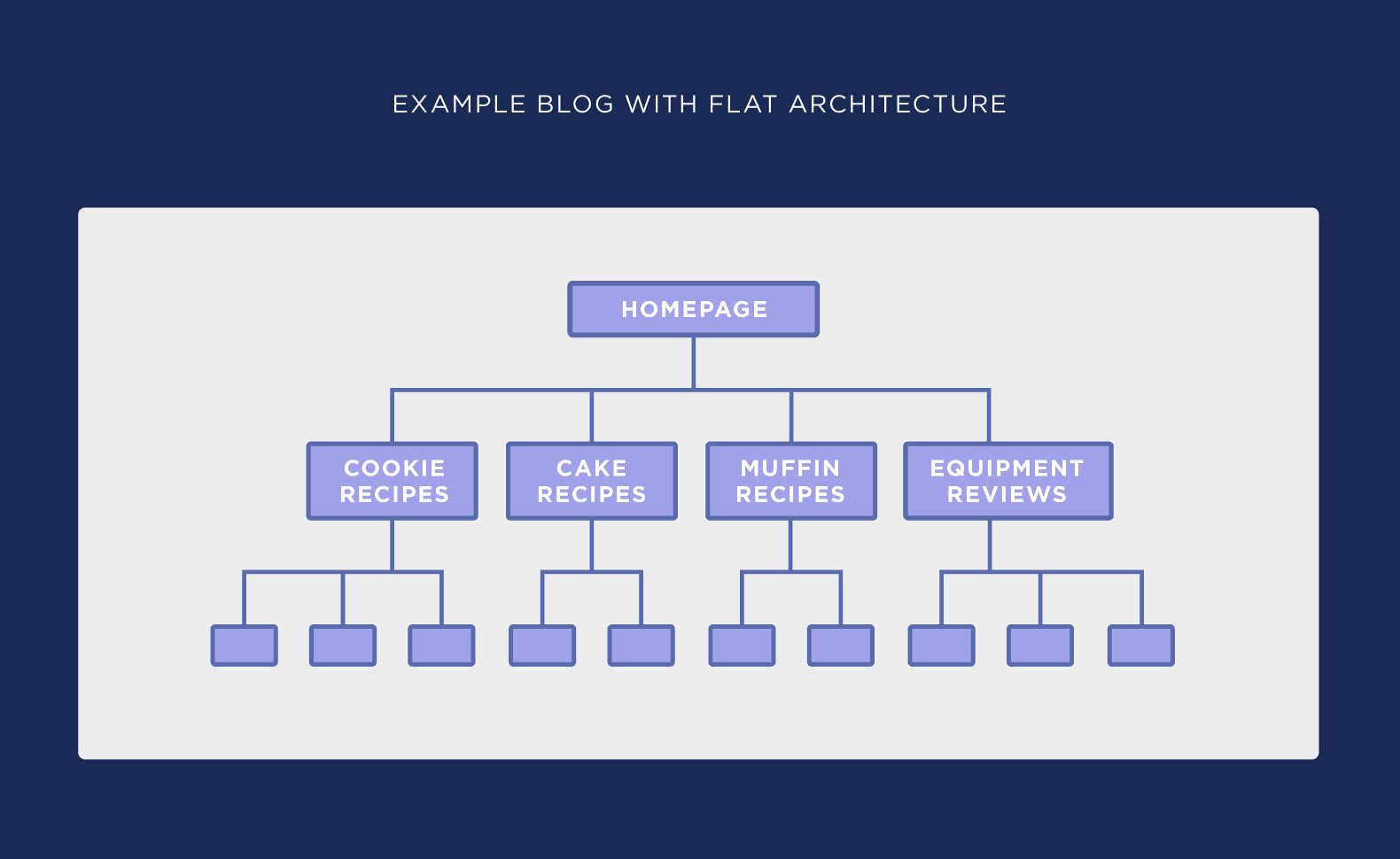
A flat website architecture minimizes the number of clicks needed to reach any page, making it easier for users and search engines to navigate. The goal is for users to reach any page in 3-4 clicks or less from the homepage. In contrast, a “deep” architecture requires 4-10+ clicks to reach certain pages, which can hurt crawlability and user experience.
Keep Things Simple
Website structure should be logical and intuitive. Use a pyramid-like hierarchy:
- Top level: Homepage or main pillar pages
- Middle level: Subcategories or cluster pages
- Bottom level: Specific content pages
This layered approach tells search engines which pages are core to your site and deserve higher visibility.
Use Category Pages
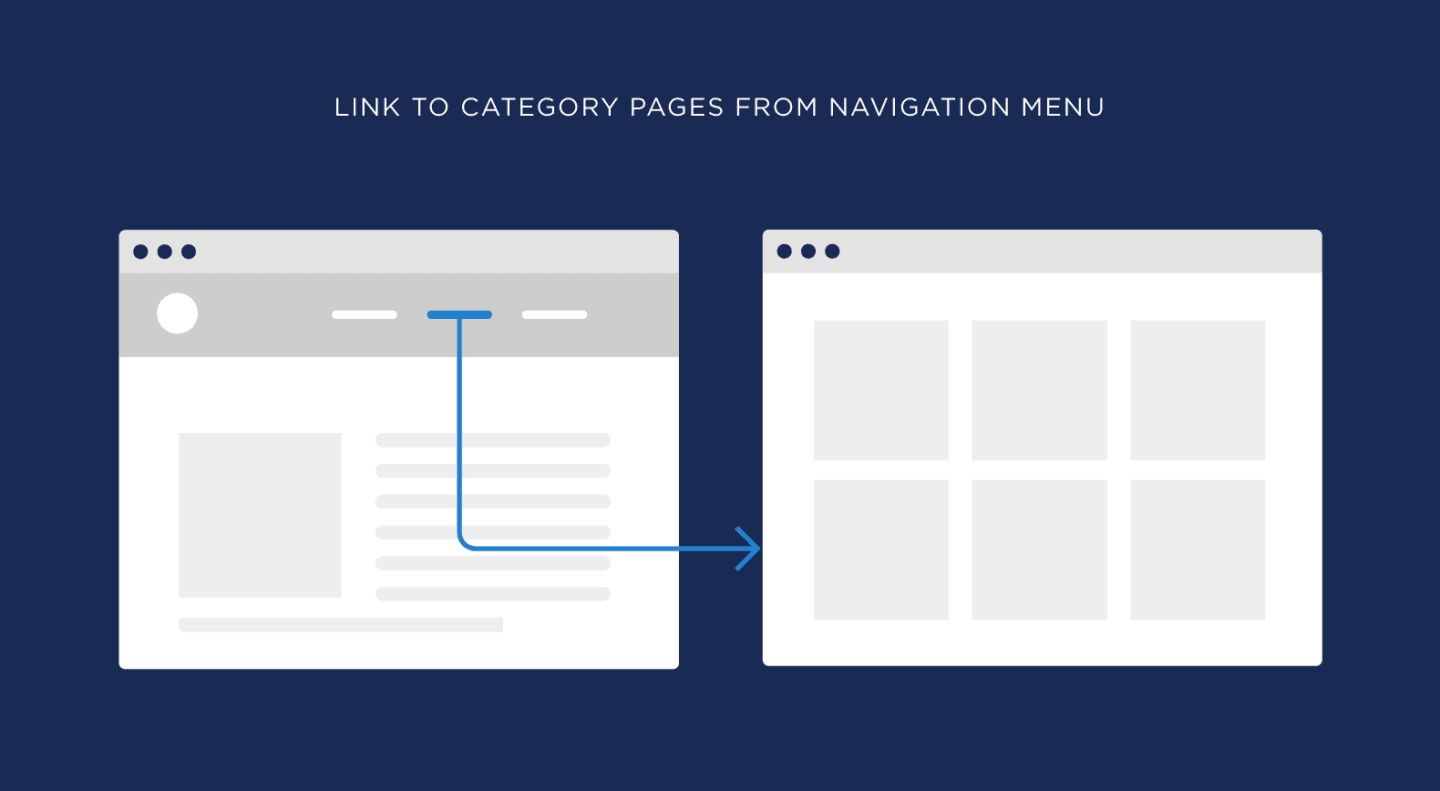
Category pages act as a directory that organizes products or content into specific groups, simplifying navigation for both users and search engines. They should be placed at the top of your website hierarchy and accessible within a few clicks from the homepage. Properly optimized category pages can rank for category-specific keywords and drive high-intent traffic.
URL Structure
Clean, SEO-friendly URLs are essential for good site architecture. Build hierarchy into your URLs to reflect the site structure—for example: domain.com/category/subcategory/page. Each paginated page should maintain a clean URL format like domain.com/category/page-2/.
Use Internal Links
Internal links form the backbone of site architecture by guiding crawlers through content in a logical way. Best practices include:
- Plan your site’s structure and map top-level pages with hierarchy beneath them
- Create topic clusters using pillar pages with supporting articles
- Add contextual links within clusters to reinforce relationships
- Link from existing pages to new content to prevent orphan pages
- Use descriptive, keyword-aligned anchor text
Use a Sitemap
XML sitemaps serve as a navigational tool for search engines to efficiently find, crawl, and index important web pages. They help combat crawl issues by providing a clear list of all pages you want indexed. XML sitemaps are especially valuable for large, complex, or newly launched websites where pages may be buried deep in the architecture.
Sitelinks
Google sitelinks are internal links that appear under the first search result, presented with short descriptions. They typically show when users perform brand searches and help visitors navigate directly to specific pages rather than the homepage.
To improve your chances of getting sitelinks:
- Build a clear site structure with logical navigation
- Add an XML sitemap to Google Search Console
- Ensure important pages have higher traffic and priority
Google analyzes your site’s link structure to find shortcuts that provide a better user experience.
Final Thought
Understanding website architecture is fundamental to SEO success. A well-defined site architecture helps both users and search engines find content efficiently. When related pages are grouped into clusters and supported by hub pages, you create a framework that highlights expertise, improves crawlability, and positions your site to rank for competitive terms. Start by mapping your site’s current structure, identifying opportunities for improvement, and implementing these best practices to build a foundation for long-term organic growth.
