The Yoast SEO plugin is a powerful WordPress tool that helps optimize your posts, pages, and overall site structure so search engines and users can better understand and trust your content. It combines on‑page optimization, technical SEO features, and social media enhancements inside a simple interface.
What is the Yoast SEO Plugin?
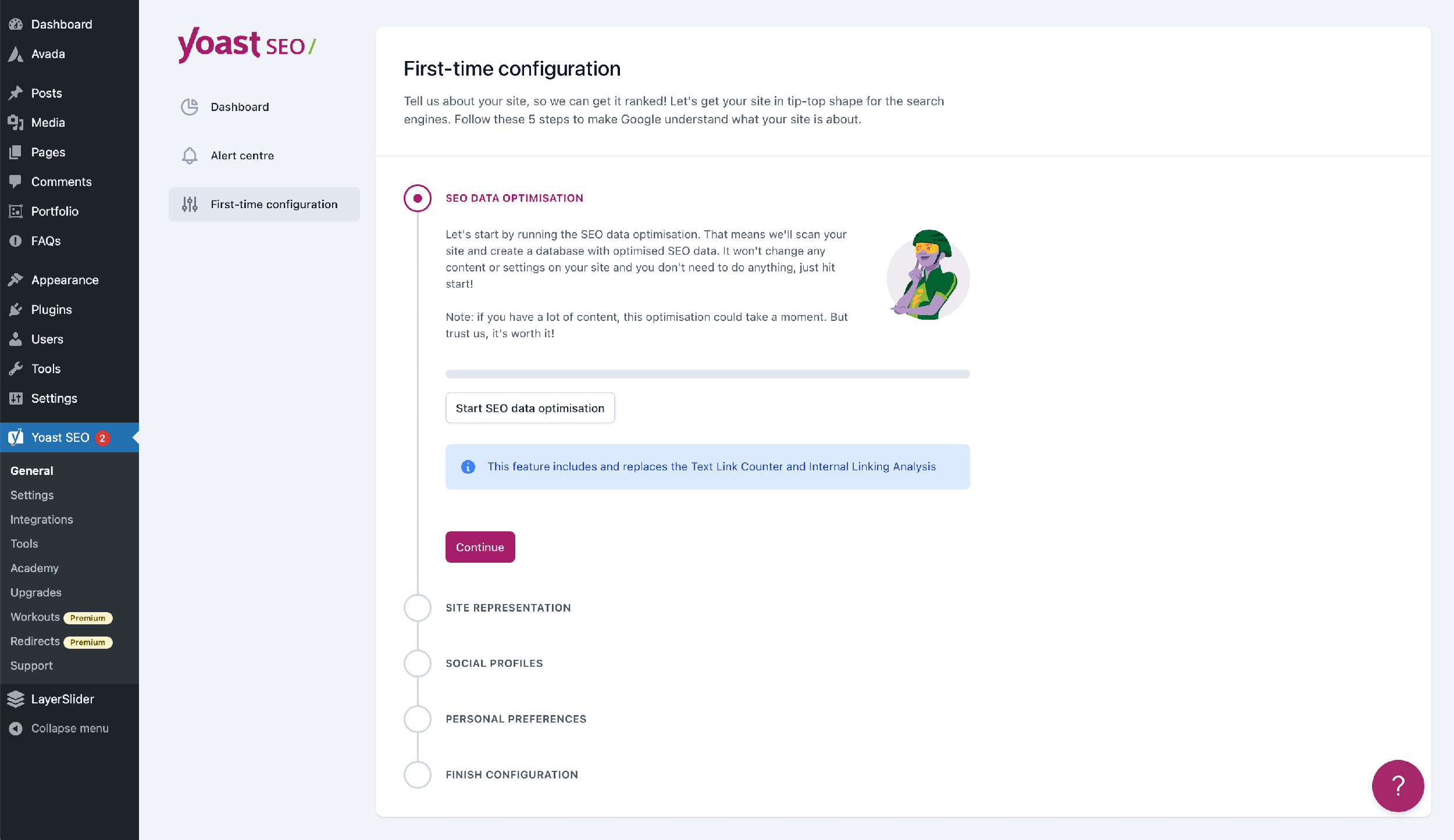
Yoast SEO plugin is a WordPress plugin that adds SEO controls directly into your editor and site settings, letting you manage titles, meta descriptions, sitemaps, and structured data without coding. It also analyzes your content in real time to check keyword usage, readability, and internal linking, giving clear traffic‑light style feedback.
- Available in a free version with essential tools like content analysis, XML sitemaps, and basic social metadata.
- Premium adds extras such as internal link suggestions, multiple focus keywords, and advanced redirect management.
Post and Page Optimization
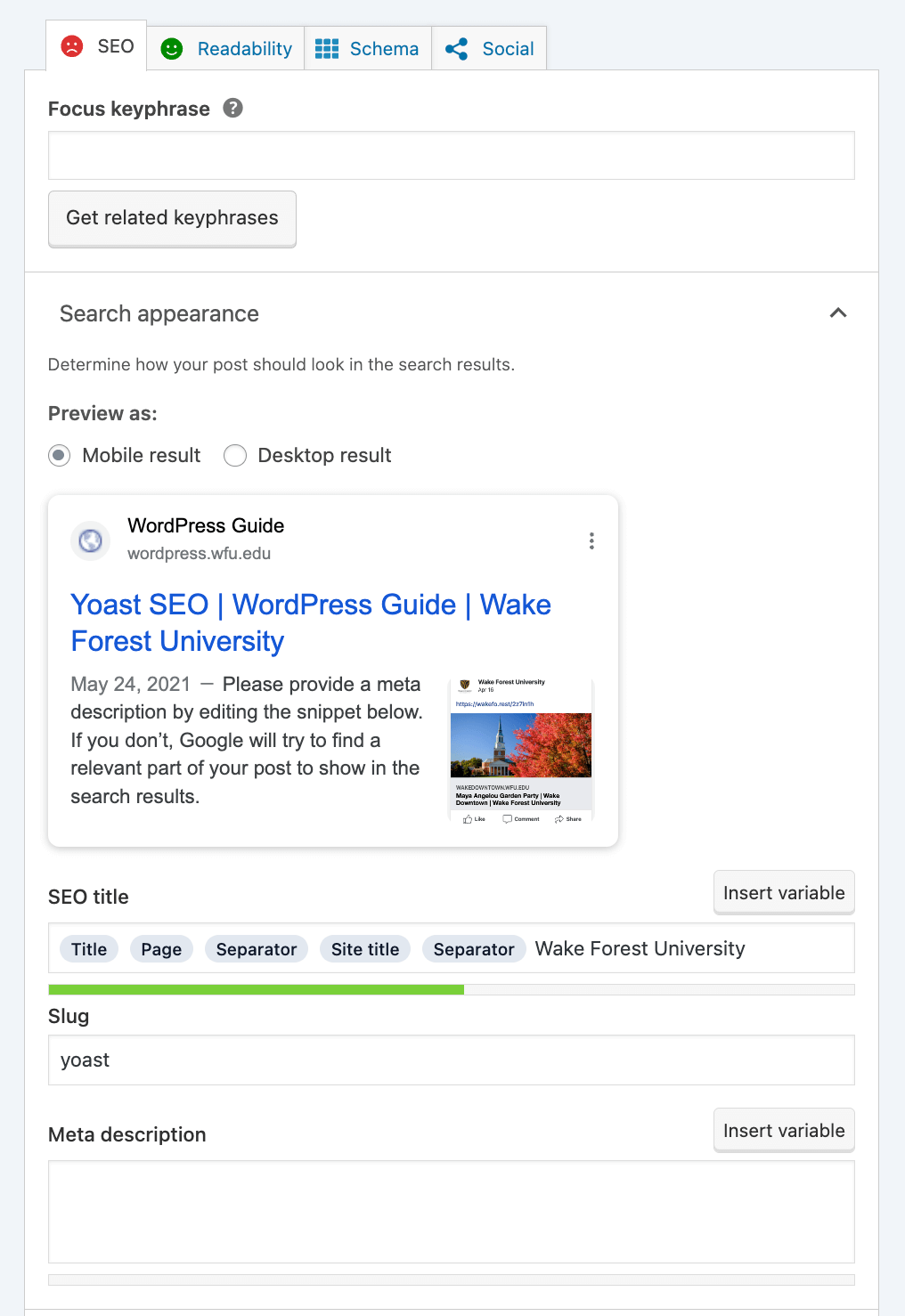
Yoast attaches an SEO panel to each post and page where you set your focus keyword, craft custom SEO titles, and write meta descriptions. The plugin then evaluates how well the content matches your focus keyphrase and signals issues with red, orange, or green bullets.
Key optimization options for posts/pages:
- Custom SEO title and meta description fields.
- Slug customization to improve URL clarity.
- Canonical URL to prevent duplicate content issues.
- Index/noindex and follow/nofollow controls for search visibility.
Content Optimization & Readability
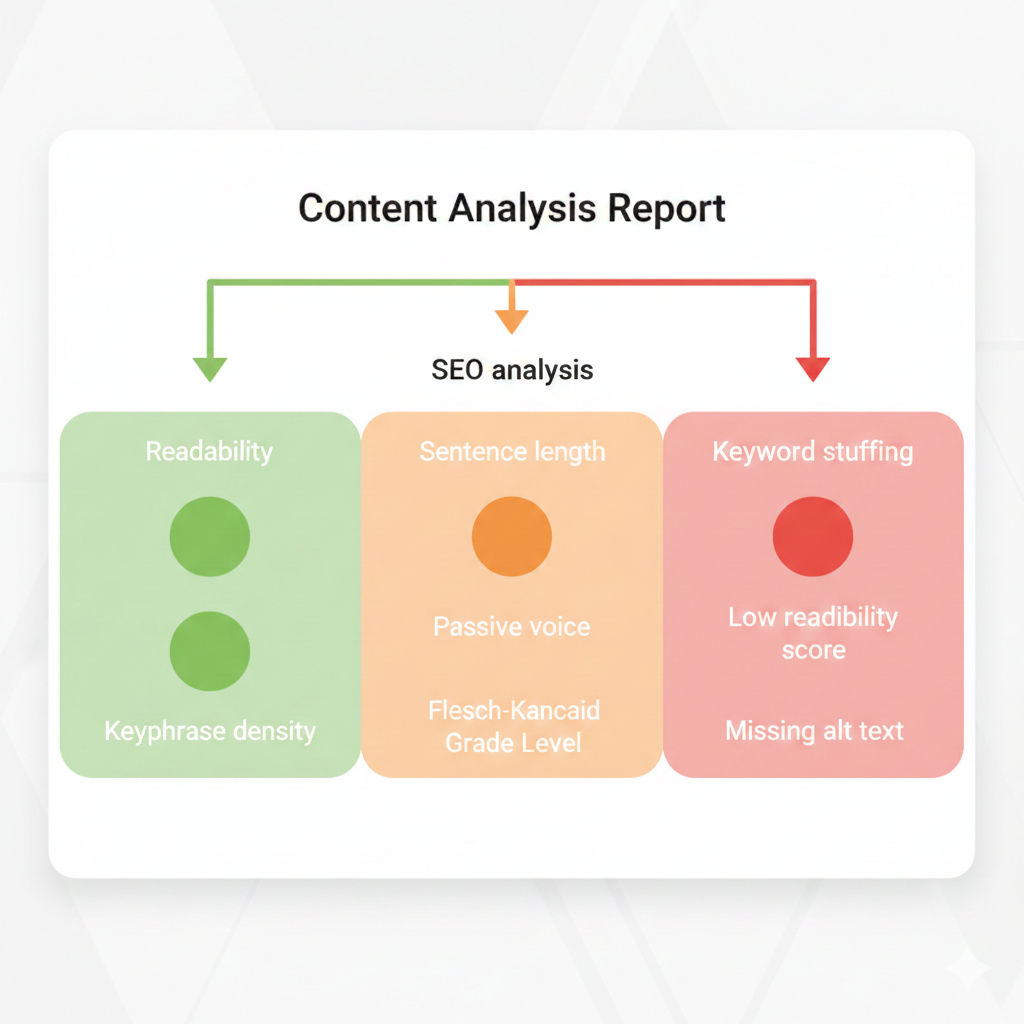
Yoast’s content analysis checks both SEO and readability so the same article can satisfy users and search engines. It guides you toward clear, scannable writing while ensuring the main keyword appears in strategic locations.
Main readability checks include:
- Paragraph and sentence length to avoid walls of text.
- Subheading distribution so content is easy to skim.
- Use of passive voice and transition words.
- Flesch Reading Ease score and detection of consecutive, repetitive sentences.
On the SEO side, Yoast evaluates:
- Focus keyphrase in title, URL, introduction, headings, and body.
- Keyphrase density across the content.
- Image alt attributes and outbound/internal links.
- Meta description quality and length.
Social Cards and Social Sharing
Yoast SEO plugin lets you design how your content appears when shared on Facebook and X (Twitter) by embedding Open Graph and Twitter Card metadata. This prevents random titles or wrong images from appearing when someone shares your link, which improves brand consistency and click‑through rate.
Key social features:
- Social tab per post to set a custom Facebook title, description, and image.
- Separate fields for X (Twitter) cards with tailored copy.
- Automatic output of Open Graph and Twitter Card tags in your site’s head.
- Site‑wide social settings where you connect profiles and enable X card metadata.
Internal Linking Tools
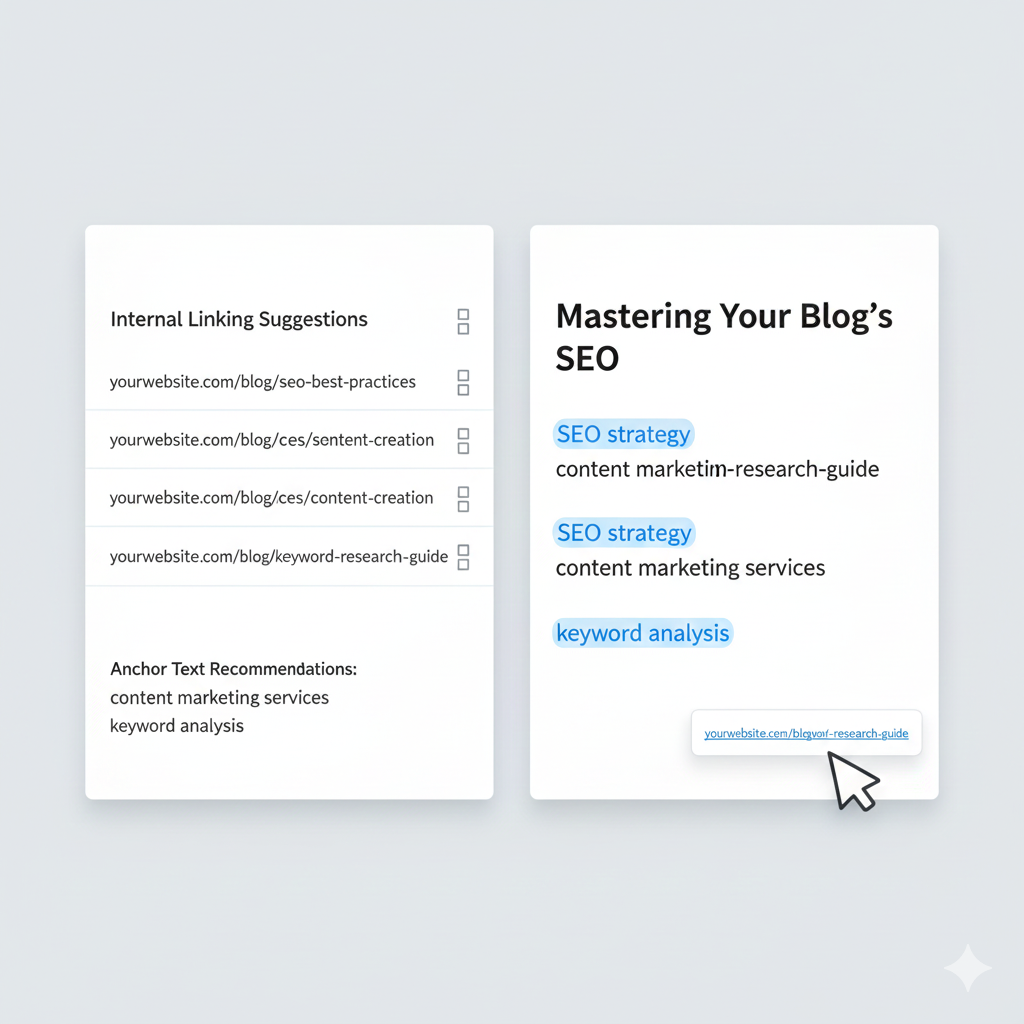
Internal links help distribute authority and guide visitors to related content, and Yoast provides tools to make this easier. In the premium version, an internal linking tool scans your content and suggests relevant posts, pages, tags, and categories to link to as you write.
Internal linking capabilities:
- Text link counter that shows how many internal links each post has (links in and out).
- Sidebar tab with internal linking suggestions you can copy directly into your content.
- Visual cues (checkmarks) once a suggested link has been added to the text.
Sitemaps and Indexing
Yoast SEO plugin automatically generates XML sitemaps for your posts, pages, categories, and other content types so search engines can crawl your site efficiently. All section sitemaps are combined into a sitemap index that updates automatically whenever content is added or changed.
Sitemap and indexing benefits:
- No need for a separate sitemap plugin; Yoast handles it.
- A single sitemap index URL you submit to Google Search Console and Bing Webmaster Tools.
- Automatic pinging of search engines when content is updated so they recrawl your sitemap faster.
Search Appearance Settings
The Search Appearance area controls how your site looks in search results, from title formats to schema and breadcrumbs. This allows you to standardize how posts, pages, archives, and taxonomies appear without editing each one manually.
Important search appearance controls:
- Global title templates using variables like site name and separator.
- Meta description templates for different content types.
- Enabling/disabling indexing for archives and taxonomies.
- Breadcrumb settings for cleaner navigation paths in search results and on‑site.
Webmaster Tools Integration
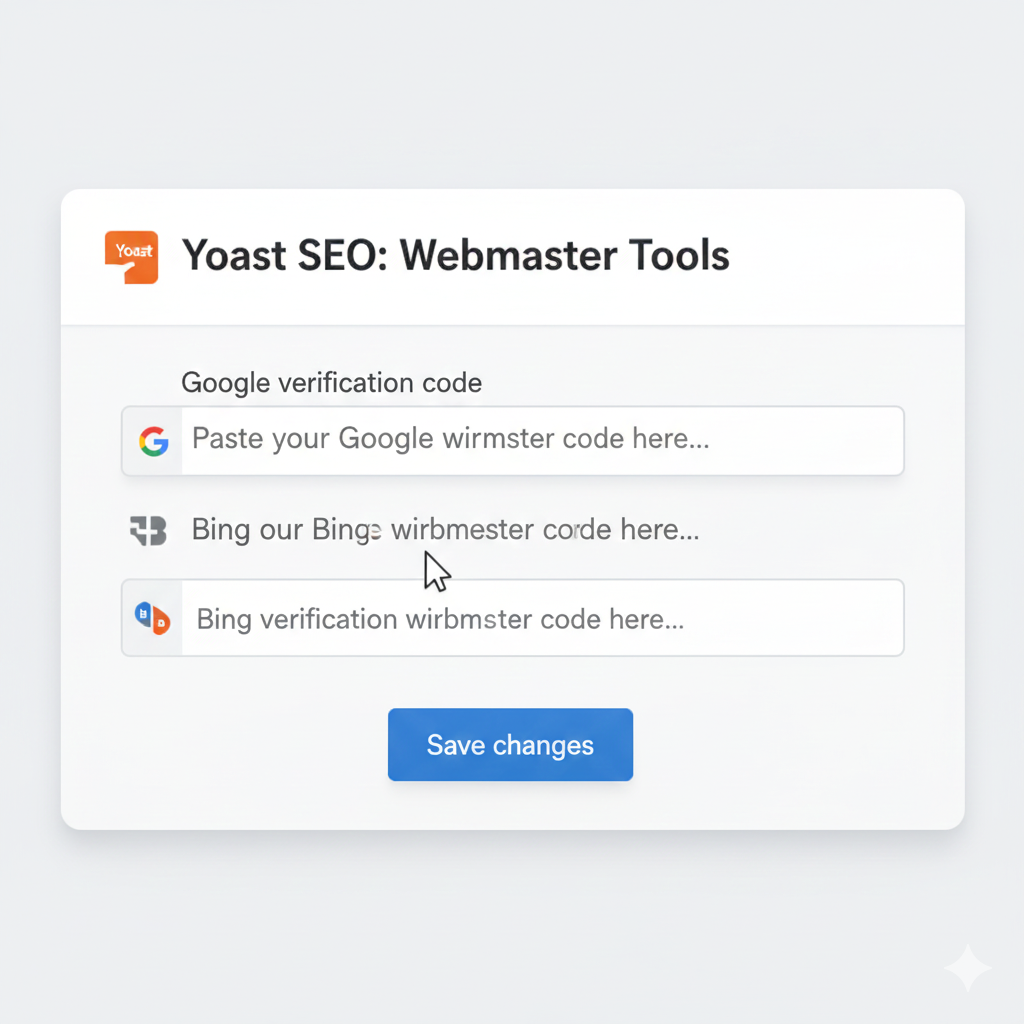
Yoast SEO centralizes verification with major search engines by letting you paste verification codes directly into its Webmaster Tools tab. This makes it easier to connect your site to Google Search Console, Bing Webmaster Tools, and other platforms without editing theme files.
Common uses of the Webmaster Tools tab:
- Verifying site ownership for Google and Bing using meta tag codes.
- Pairing sitemap submission with verification for complete indexing control.
- Serving as a single place to manage codes if themes or designs change.
Common Problems and Limitations
While Yoast is feature‑rich, users do face some challenges and limitations, especially in larger or more complex setups. Understanding these issues helps you set realistic expectations and configure the plugin properly.
Typical pain points include:
- Learning curve: Managing titles, meta tags, schemas, and multiple tabs can feel overwhelming for beginners.
- Performance overhead: On very large sites, heavy content analysis may impact backend performance if not optimized.
- Usability complaints in Premium: Some users find the workflow for optimizing meta tags and headings cumbersome and time‑consuming, with too many screens to click through.
- Over‑reliance on traffic lights: Chasing all‑green bullets can lead to unnatural keyword stuffing instead of focusing on genuine value.
How Yoast SEO Fits into Your Strategy
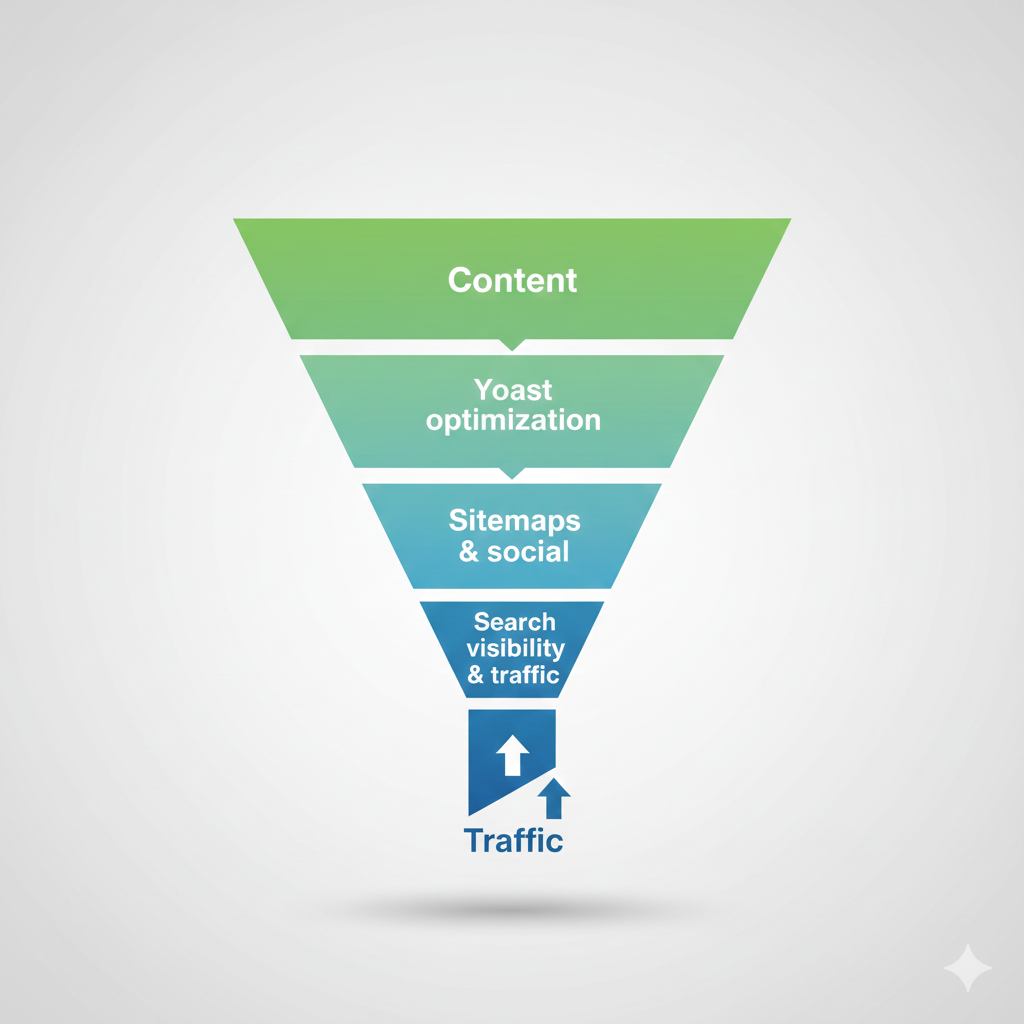
Yoast SEO is most effective when used as a structured checklist, not a replacement for solid content and site strategy. Combine its insights with quality writing, fast hosting, strong internal linking, and regular content updates for the best results.
Practical tips:
- Treat the traffic lights as guidance, not strict rules.
- Use internal linking suggestions to revive older posts and build topical clusters.
- Keep sitemaps enabled and submit the index URL to Google and Bing whenever you launch or restructure your site.
If you share your niche and main keywords, the content and image ideas above can be adapted into a fully formatted WordPress blog draft tailored to your audience.
